The Omarchy Manual · chapter 10 of 51

Notices

Notices

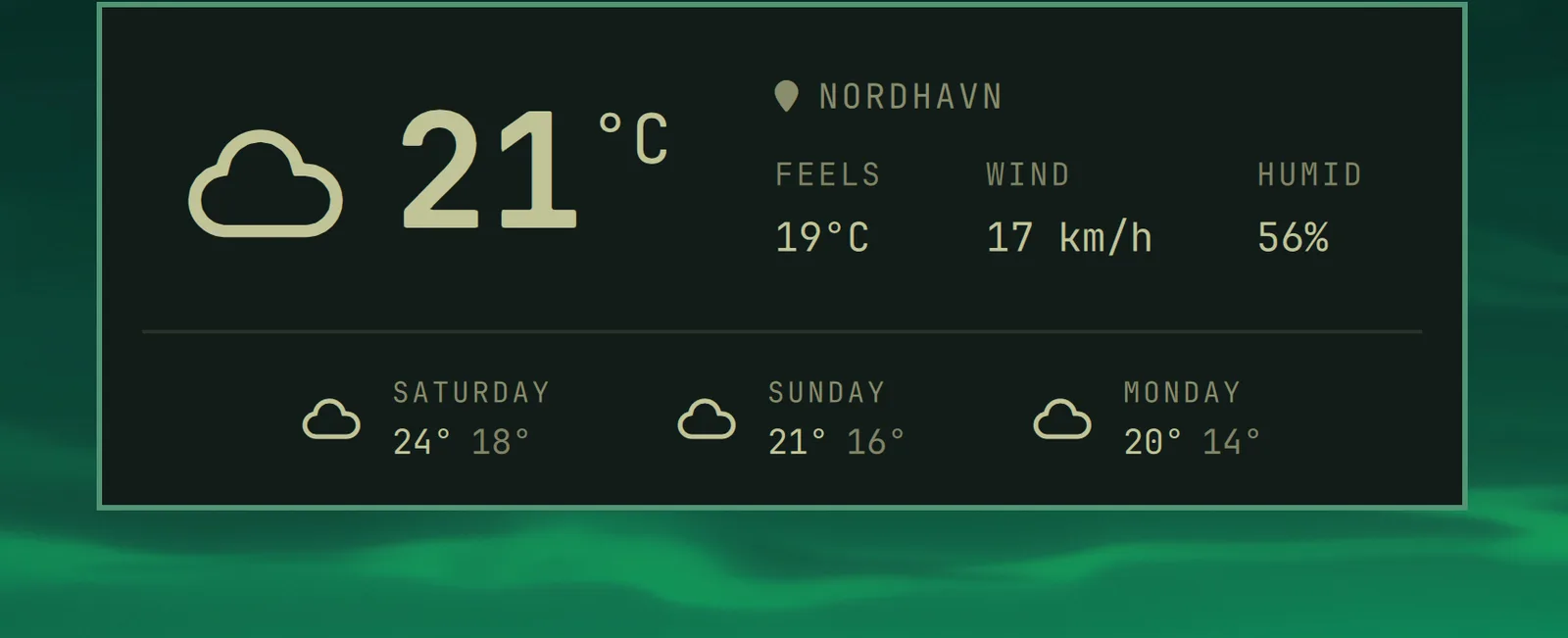
You can quickly access the date and time, battery status, and current weather using the hotkey notices.

Date & Time #

Super + Ctrl + Alt + T

notice-datetime

Weather #

Super + Ctrl + Alt + W

notice-weather

The location is detected from your IP address, which is usually close enough, but not always. You can pin it down with omarchy weather location --set Malibu, or be exact about it by adding coordinates: omarchy weather location --set Malibu 34.0259,-118.7798. Run omarchy weather location on its own to see where it thinks you are, and --clear to go back to auto-detection.

Battery #

Super + Ctrl + Alt + B

notice-battery

Omarchy menu move · open · Esc close
KeybindingsEsc close

On this site

  • Super SpaceOmarchy menu
  • Super Alt SpaceApps menu
  • Super Kthis list
  • Super EscSystem menu
  • Super Ctrl Shift Spacenext theme
  • tnext theme (shortcut)
  • /search the manual

Super is on a Mac, Win elsewhere. On a Mac, Raycast/Spotlight take Space before the browser sees it, so Ctrl works in place of Super for all of these.

In Omarchy

  • Super SpaceOmarchy menu — apps and everything else
  • Super Alt SpaceApps menu
  • Super Kall keybindings
  • Super EscSystem menu (suspend, restart…)
  • Super ReturnTerminal
  • Super 14Workspace
  • Super WClose window
  • Super Ctrl Shift SpaceNext theme

Every hotkey in the manual →