The Omarchy Manual · chapter 38 of 51

Fonts

Fonts

Omarchy uses JetBrainsMono Nerd Font as both the terminal and system font by default.
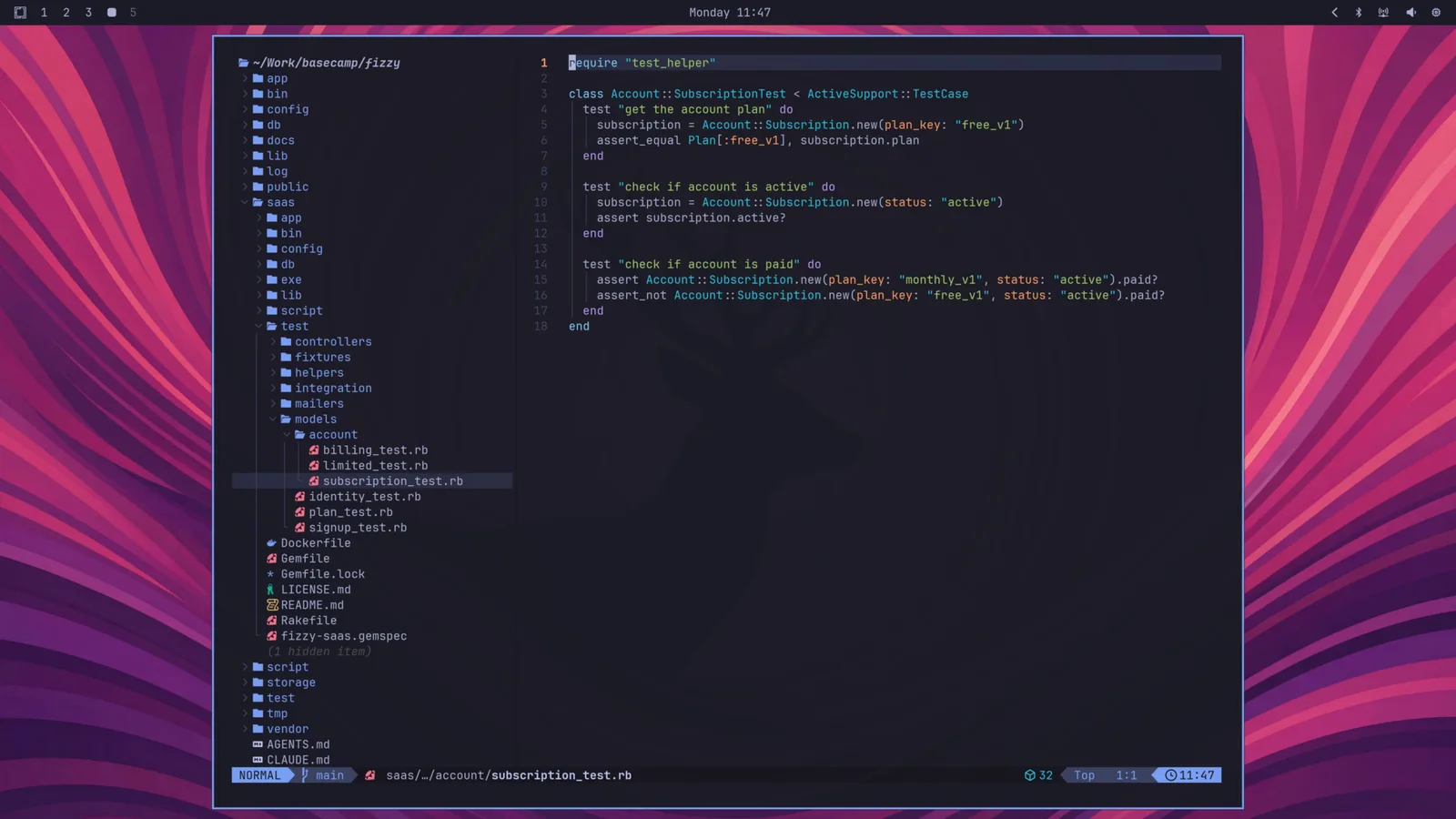
fonts-jetbrainsmono

You can change this through the Style > Font menu in the Omarchy menu (Super + Space). That sets the monospace font everywhere: the terminal, the bar, and anything else that asks for it.

You can install other popular programming fonts via Install > Style > Font in the Omarchy menu: Cascadia Mono, Meslo LG Mono, Fira Code, Victor Code, Bitstream Vera Mono, and Iosevka are all one click away, in their Nerd Font versions so the glyphs in the bar and terminal keep working. After installing one, pick it under Style > Font.

Omarchy menu move · open · Esc close
KeybindingsEsc close

On this site

  • Super SpaceOmarchy menu
  • Super Alt SpaceApps menu
  • Super Kthis list
  • Super EscSystem menu
  • Super Ctrl Shift Spacenext theme
  • tnext theme (shortcut)
  • /search the manual

Super is on a Mac, Win elsewhere. On a Mac, Raycast/Spotlight take Space before the browser sees it, so Ctrl works in place of Super for all of these.

In Omarchy

  • Super SpaceOmarchy menu — apps and everything else
  • Super Alt SpaceApps menu
  • Super Kall keybindings
  • Super EscSystem menu (suspend, restart…)
  • Super ReturnTerminal
  • Super 14Workspace
  • Super WClose window
  • Super Ctrl Shift SpaceNext theme

Every hotkey in the manual →