Themes
Omarchy comes with twenty-two beautiful themes. You can select between them via Style > Theme in the Omarchy Menu (Super + Space) or hop directly to the theme selector using Super + Ctrl + Shift + Space.
Each theme styles the desktop, terminal, neovim, activity screen (btop), Chromium, and the entire Omarchy shell: top bar, menu, notifications, OSD, and the lock screen. (For Obsidian, you must manually select the Omarchy theme via Appearance > Themes inside the app).
Themes have a set of background images that you can pick between using Super + Ctrl + Space.
You can find even more themes on the extra themes page or even make your own theme.
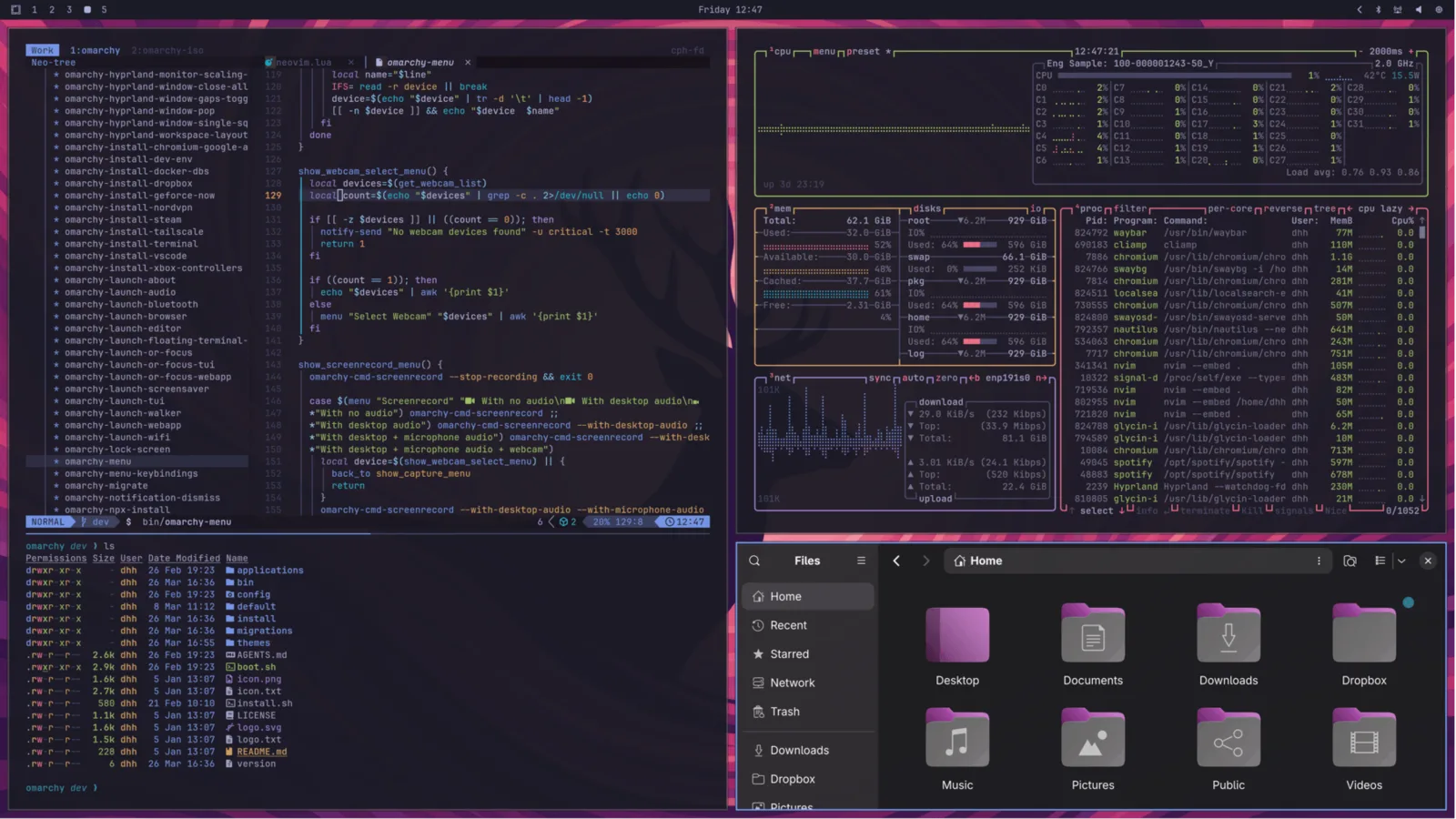 Tokyo Night
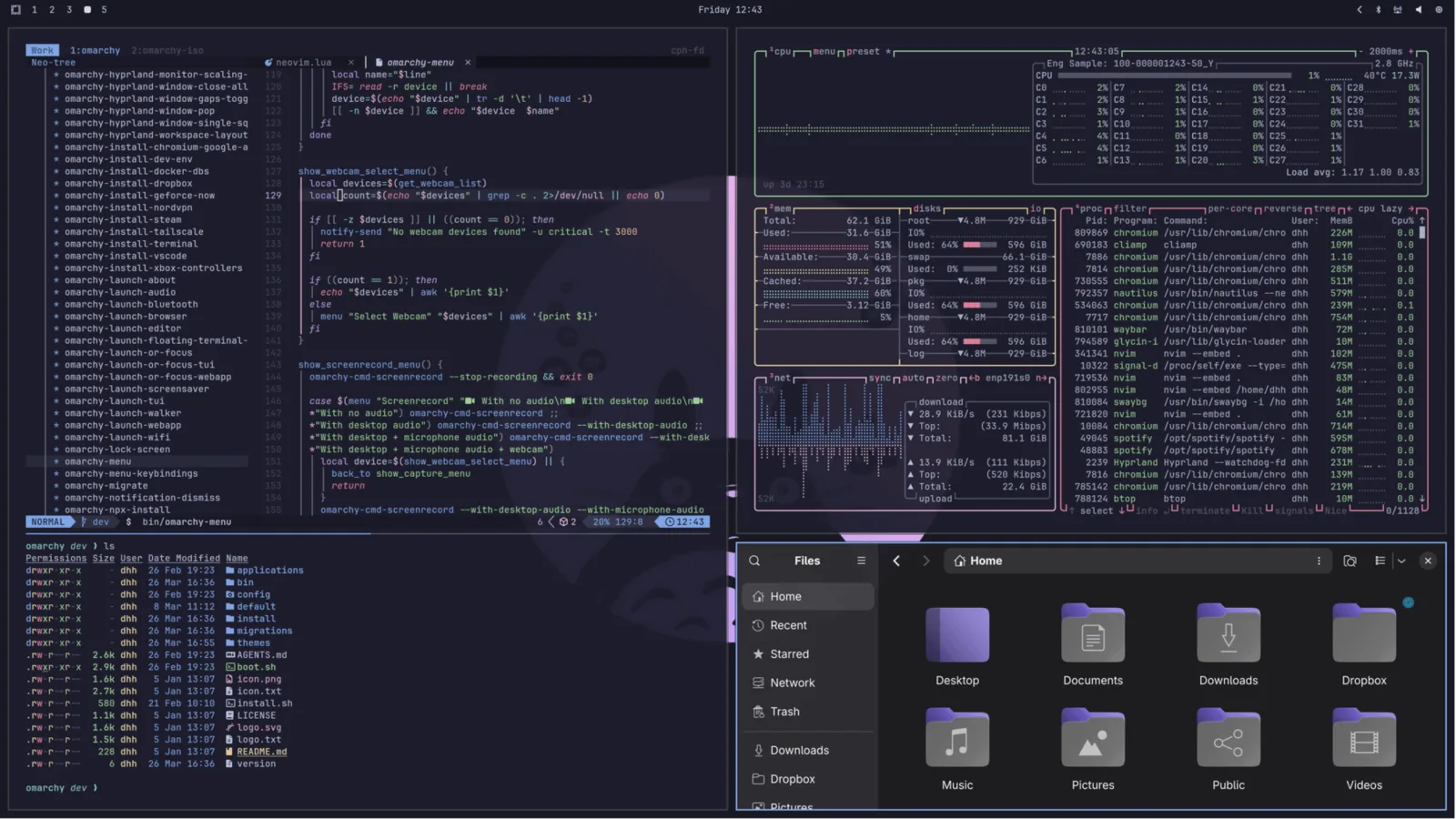 Catppuccin
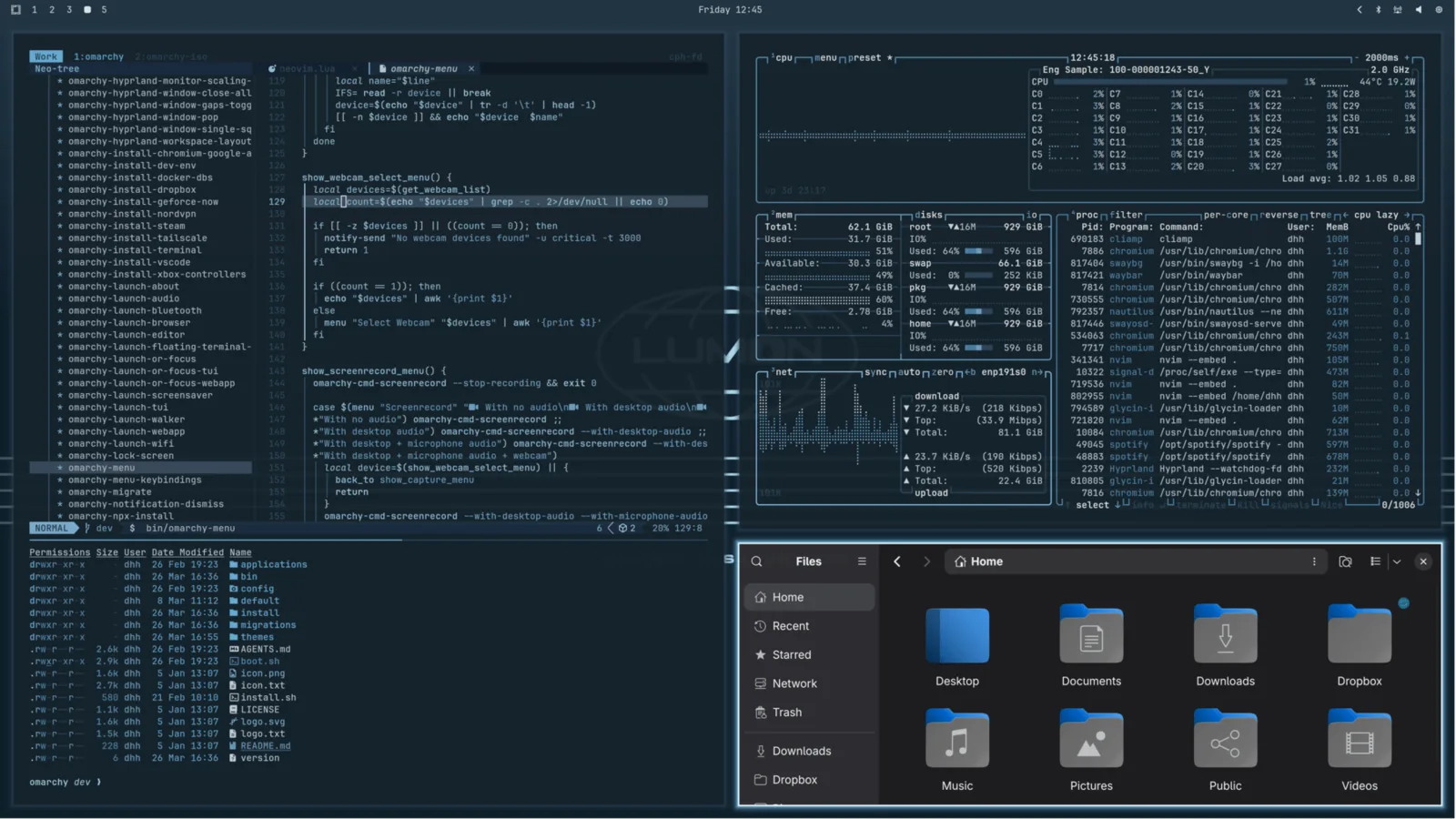 Lumon
Lumon
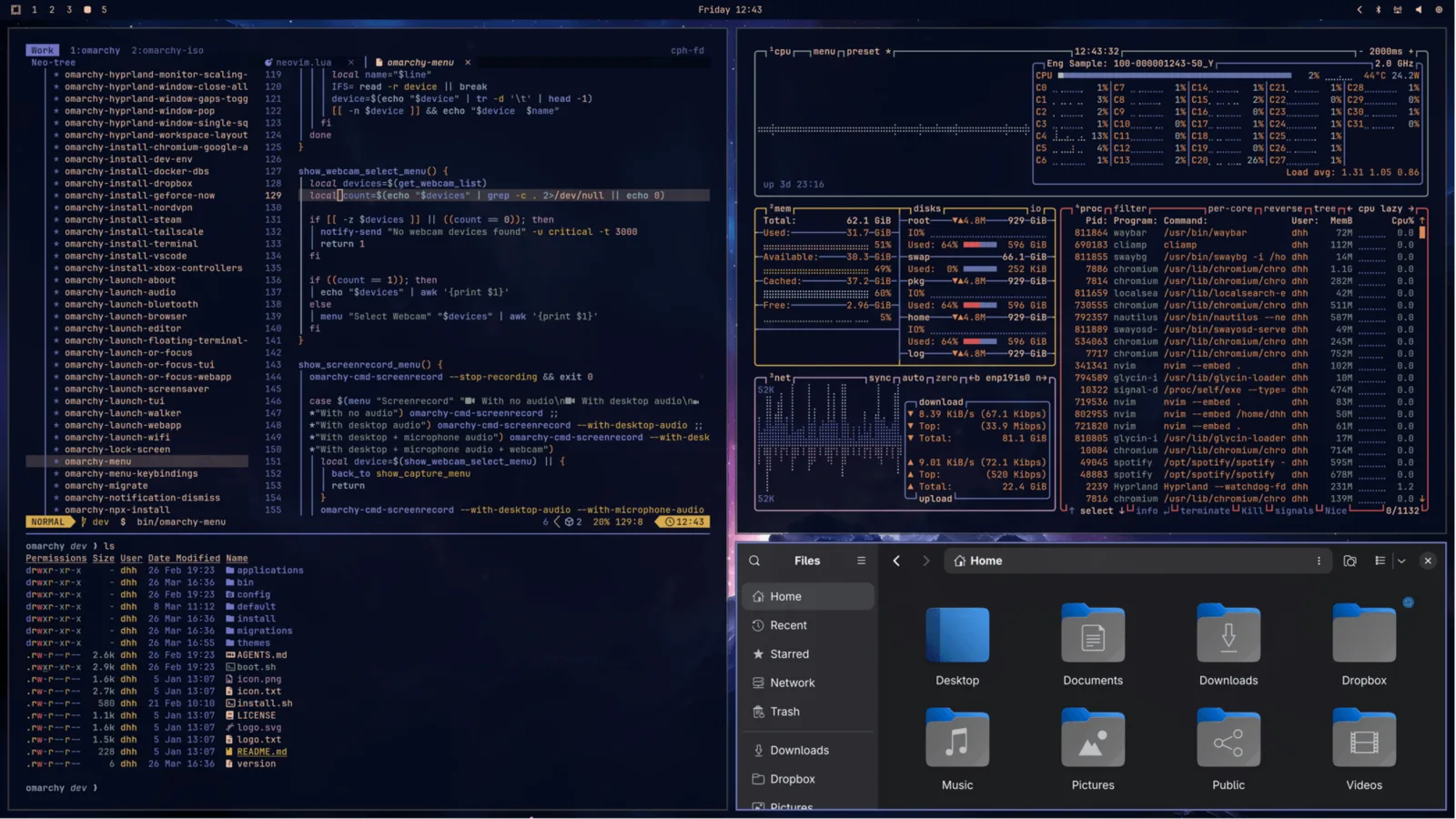 Ethereal
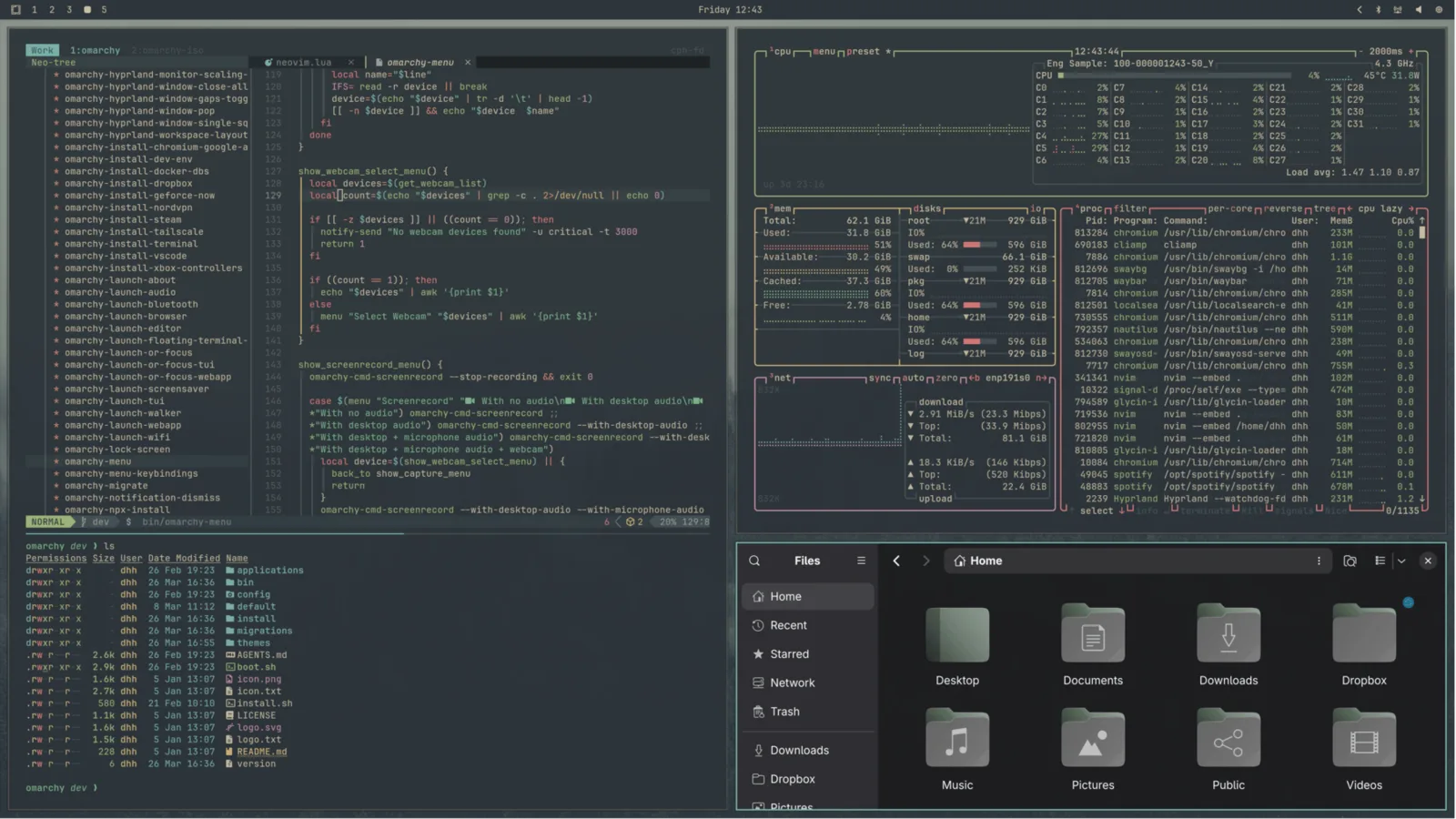 Everforest
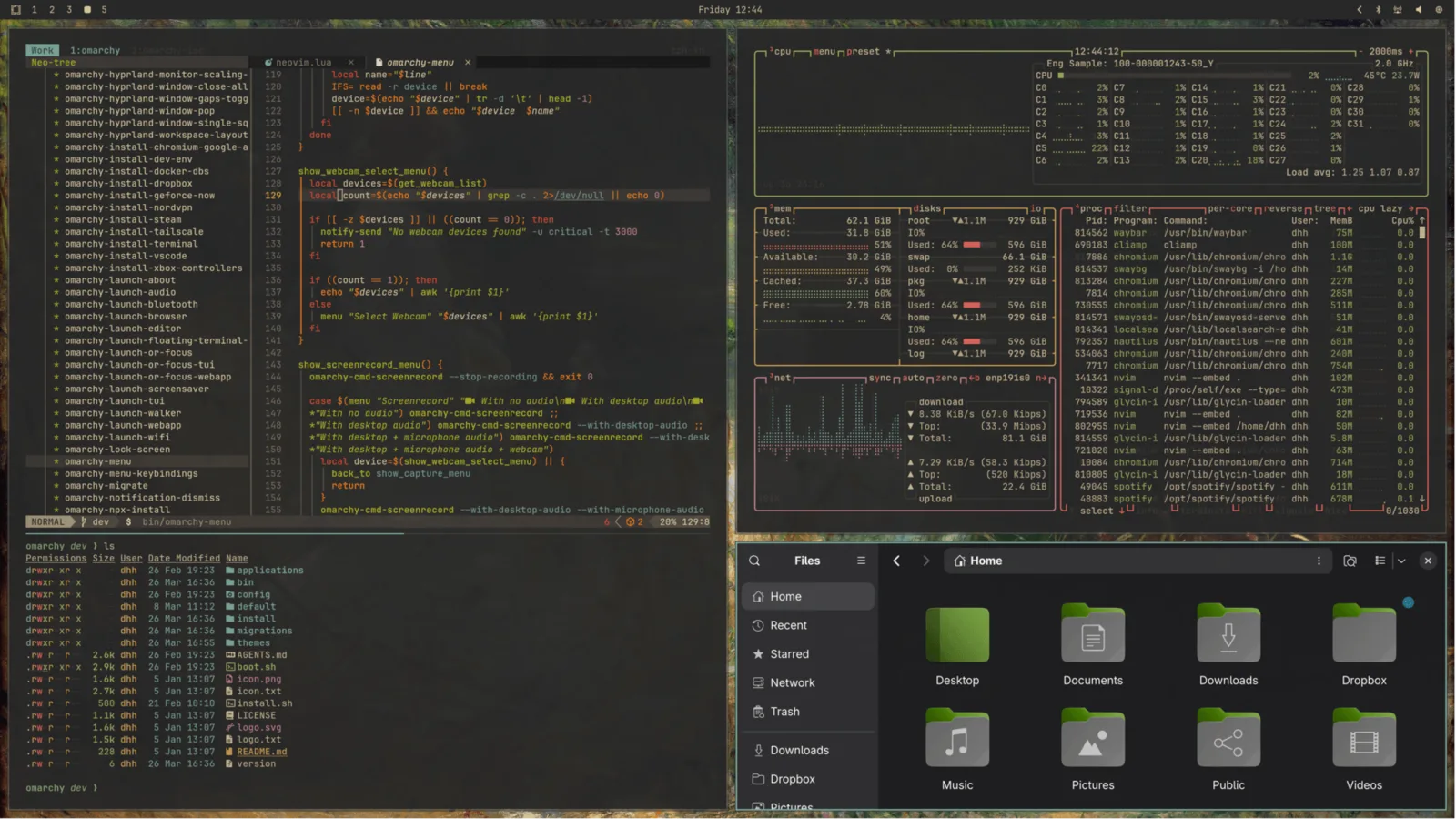 Gruvbox
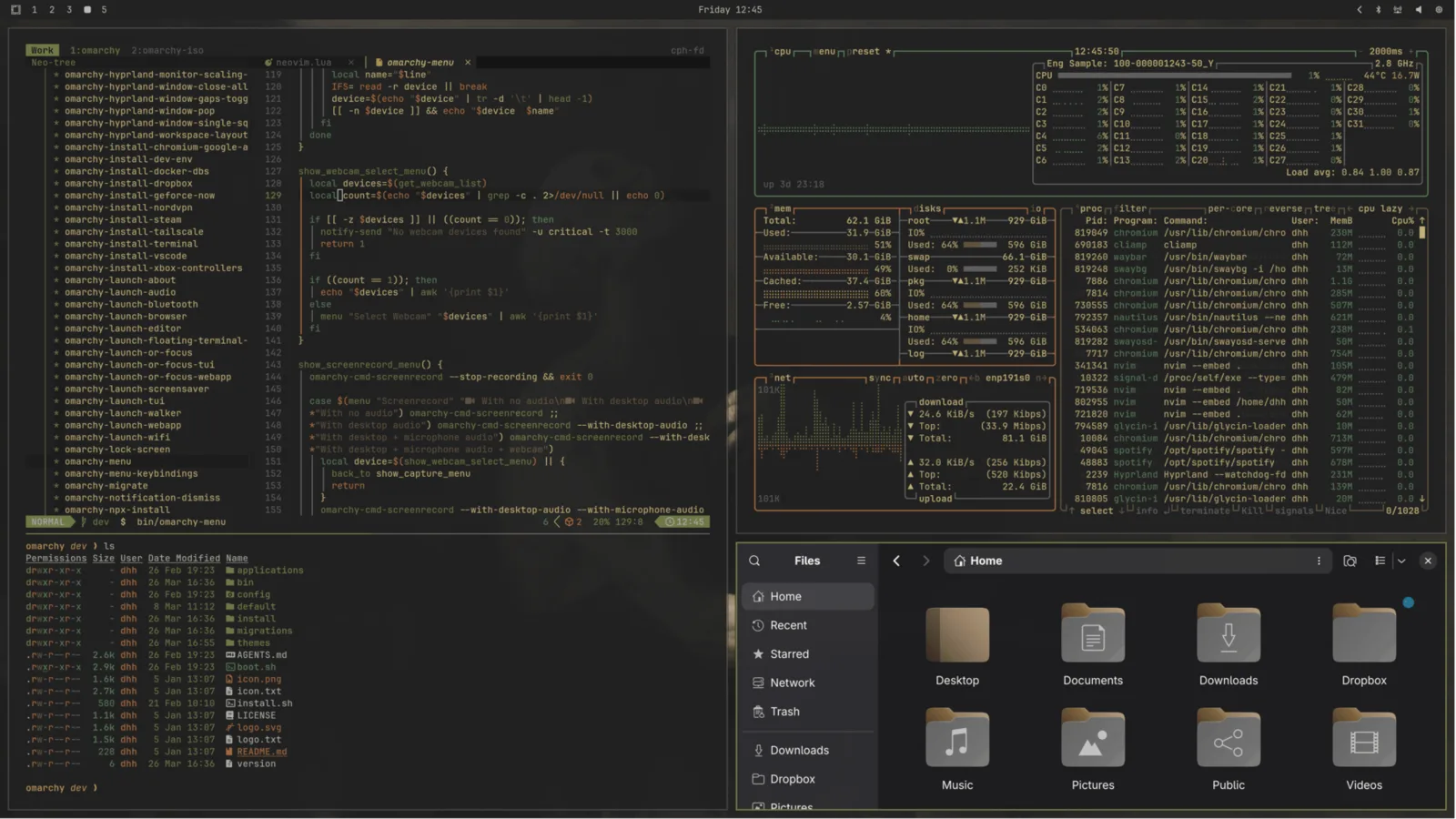 Miasma
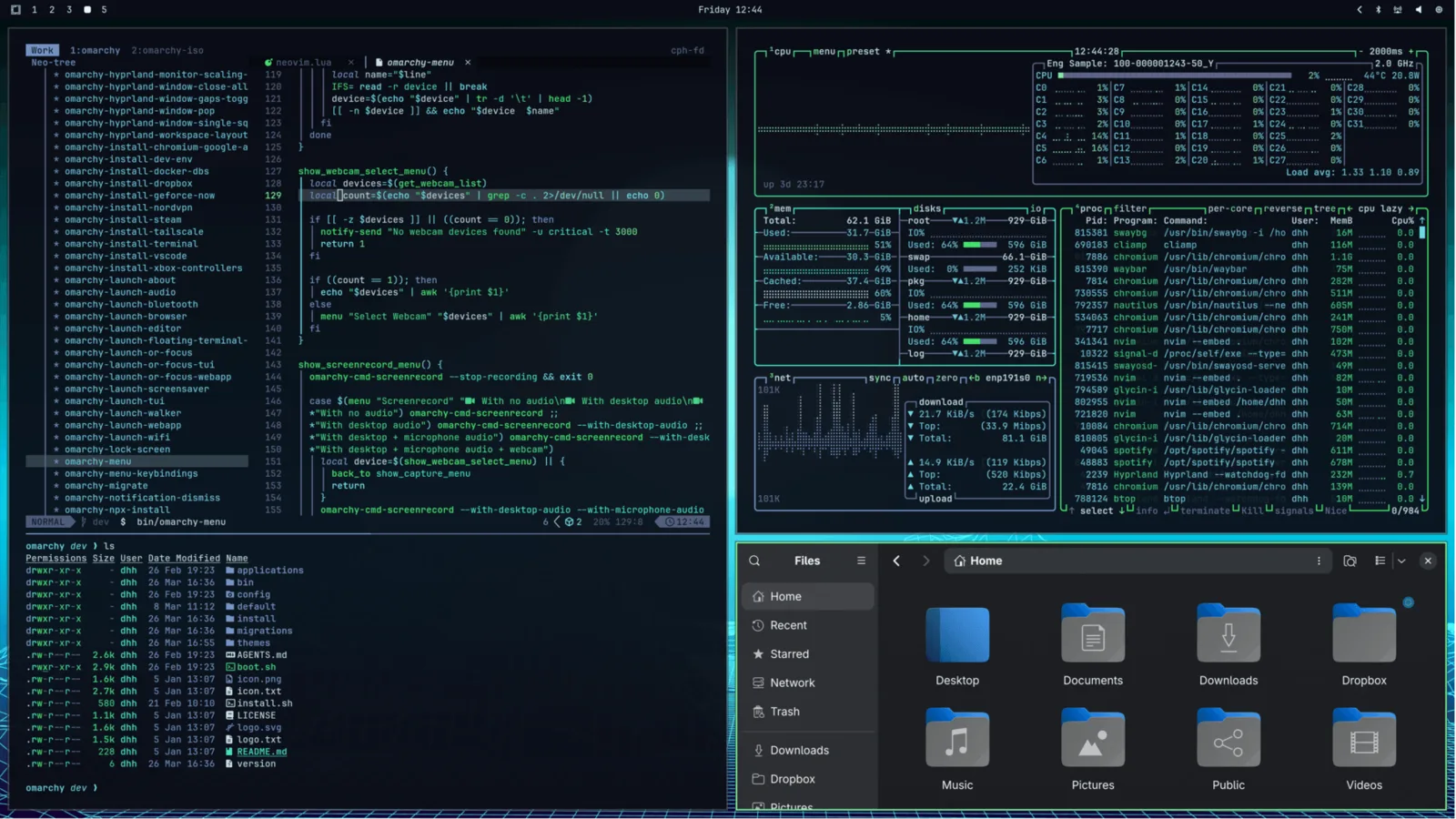 Hackerman
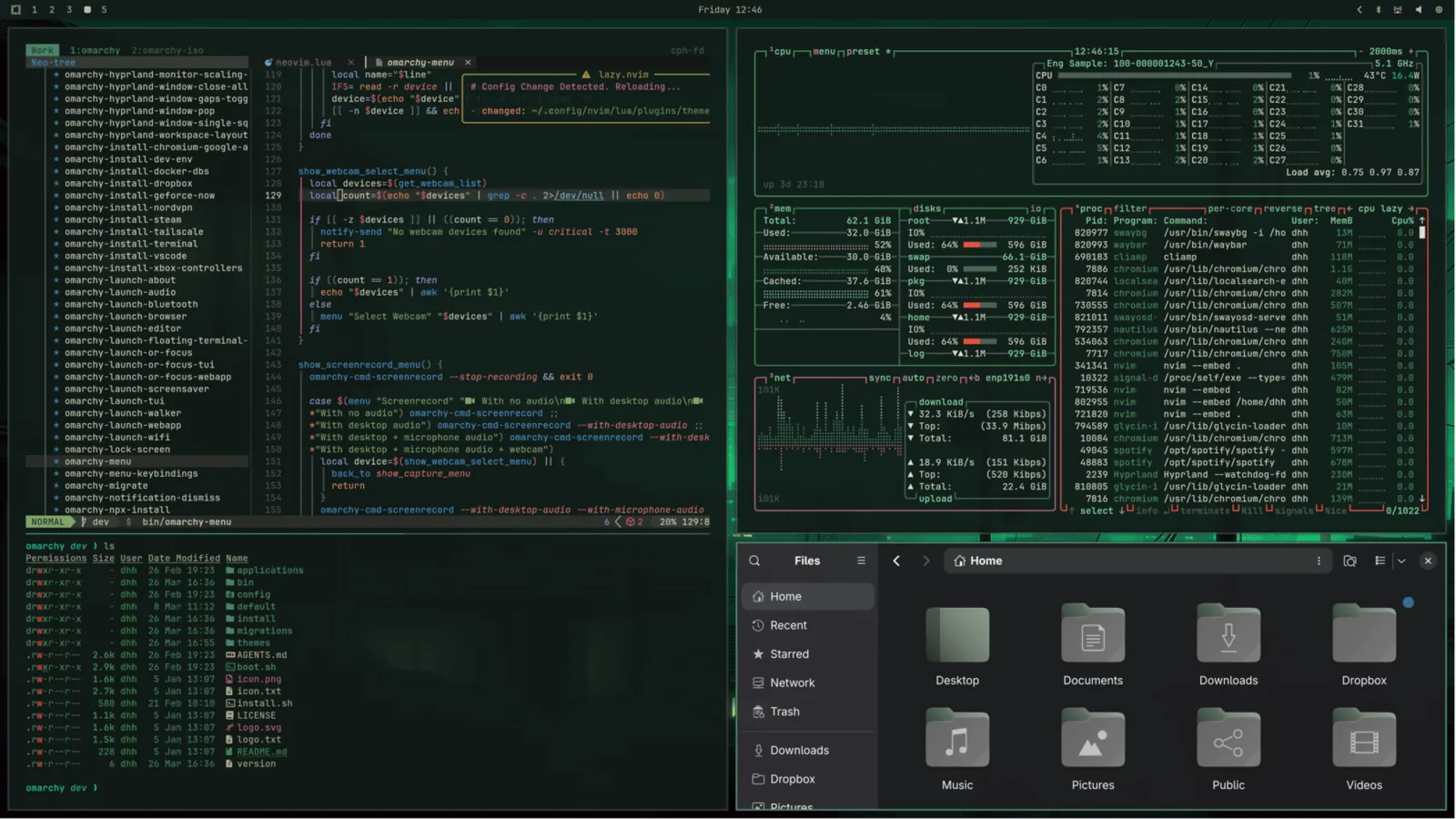 Osaka Jade
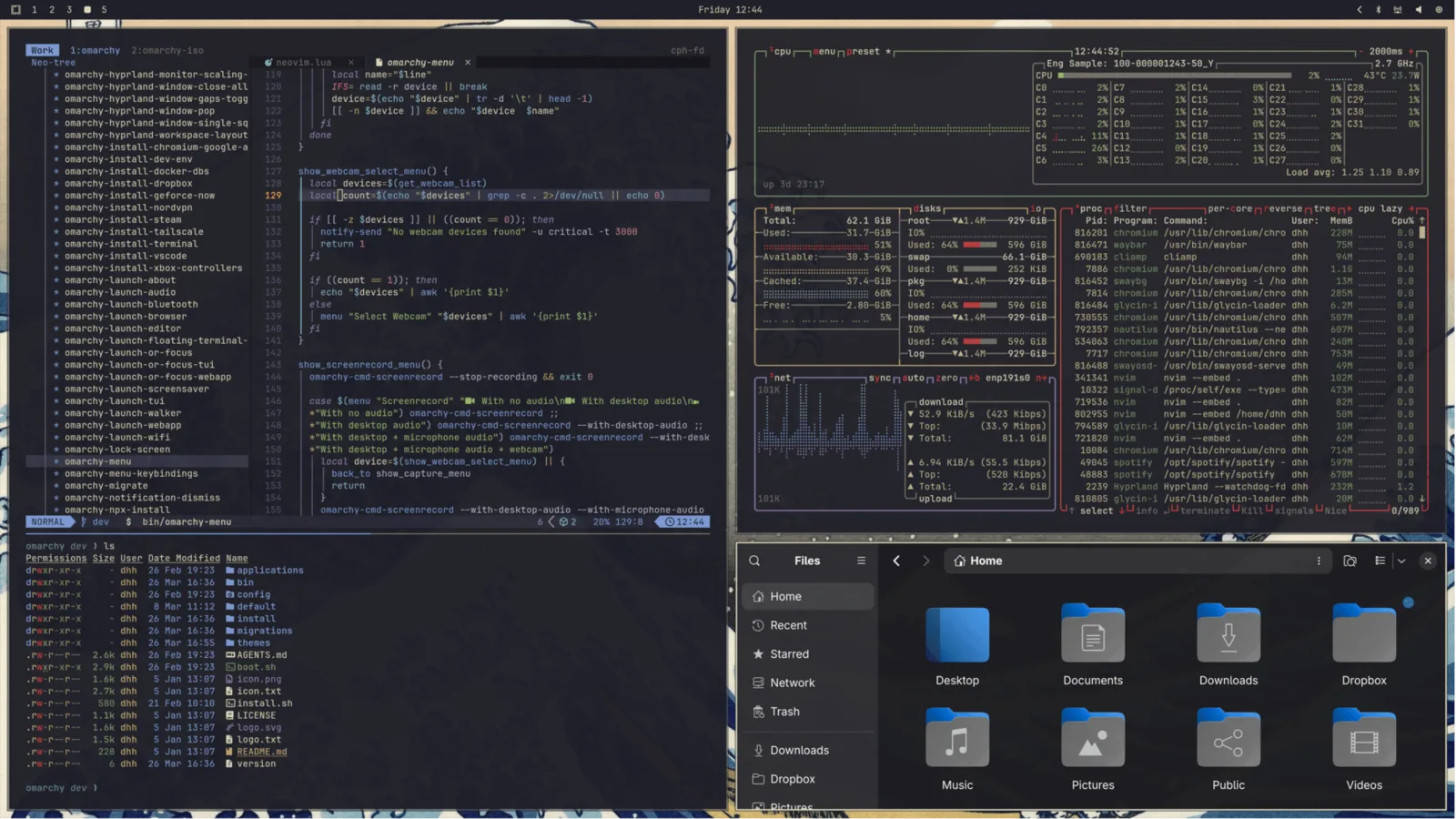 Kanagawa
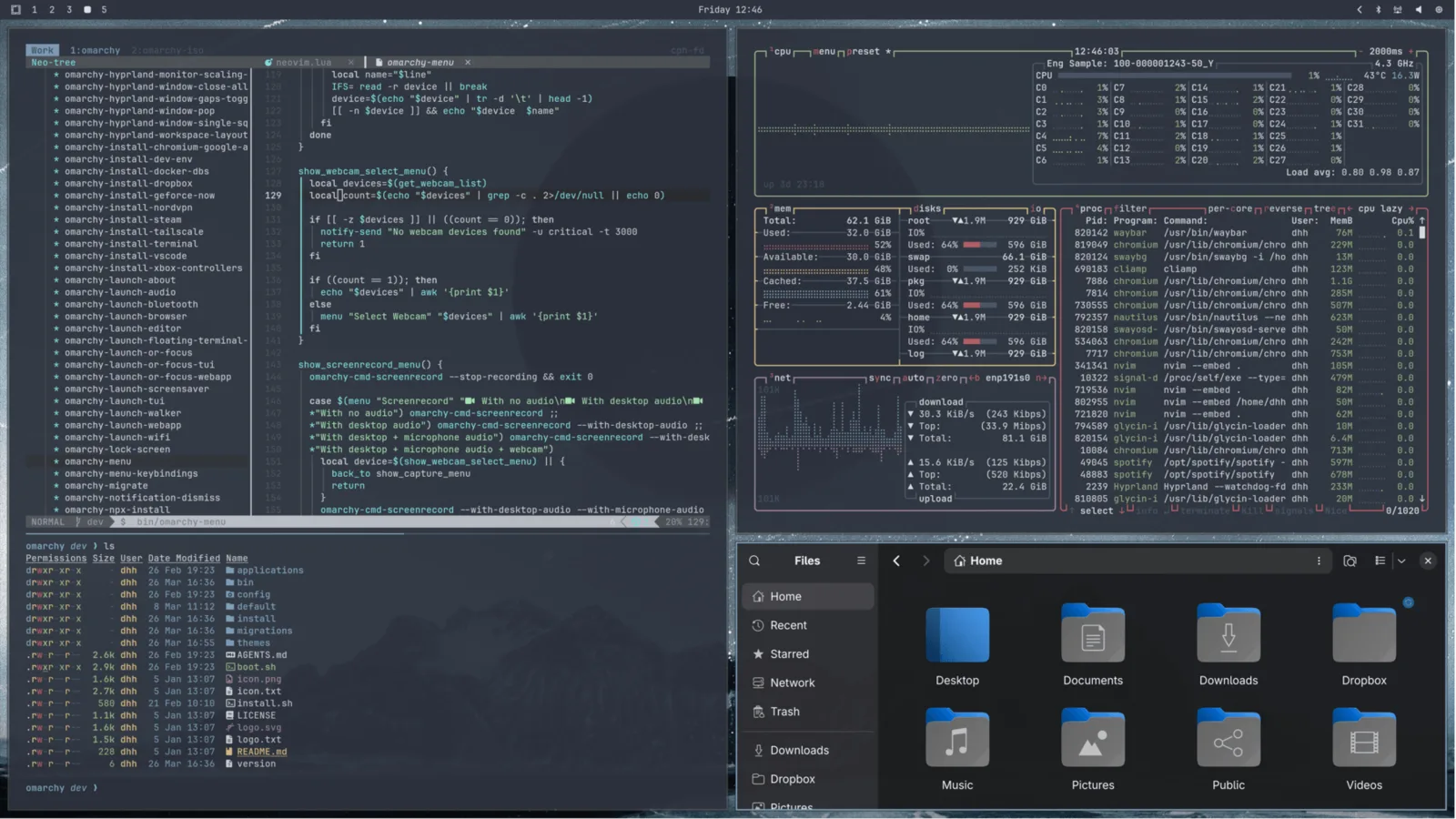 Nord
Nord
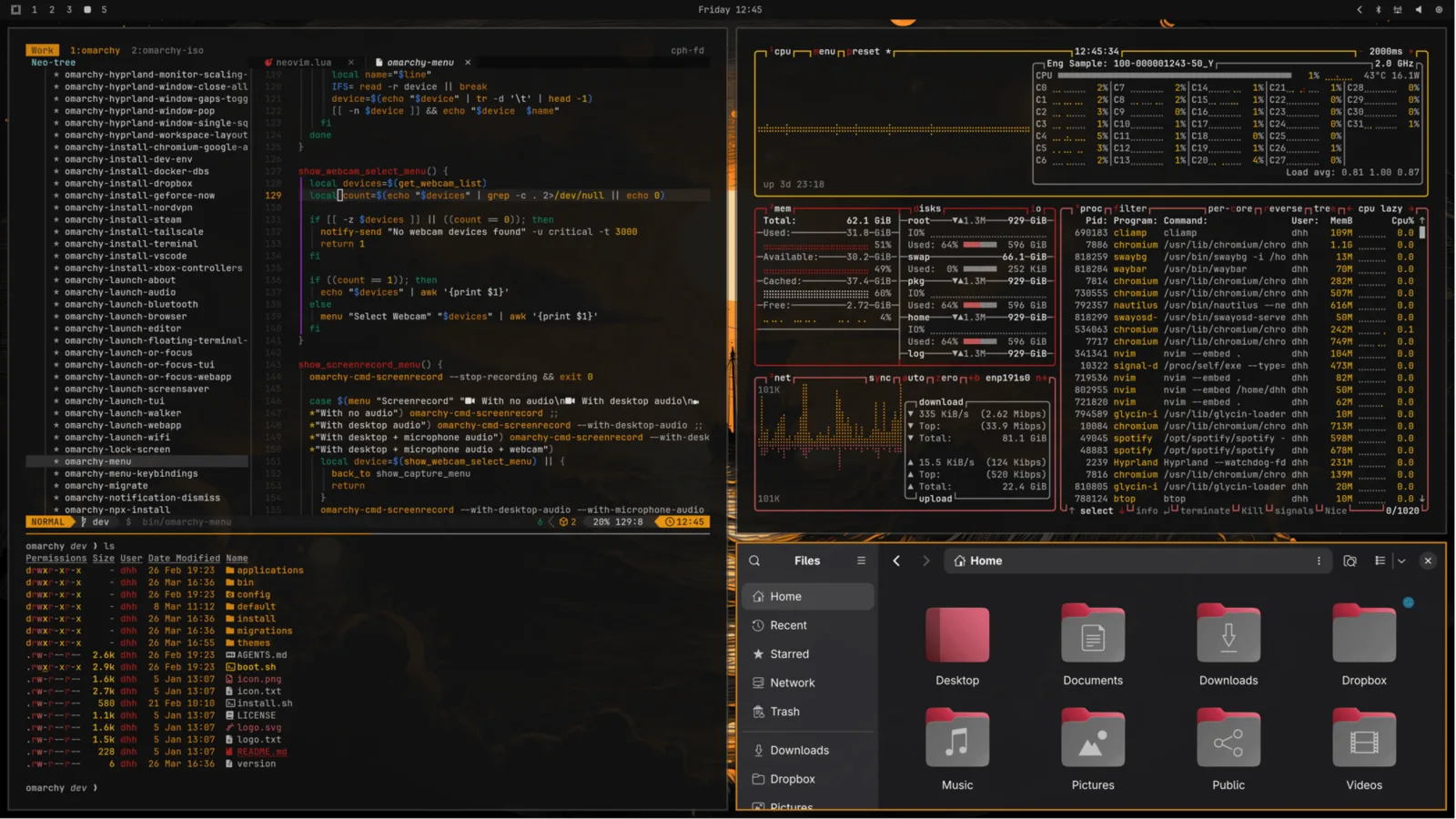 Matte Black
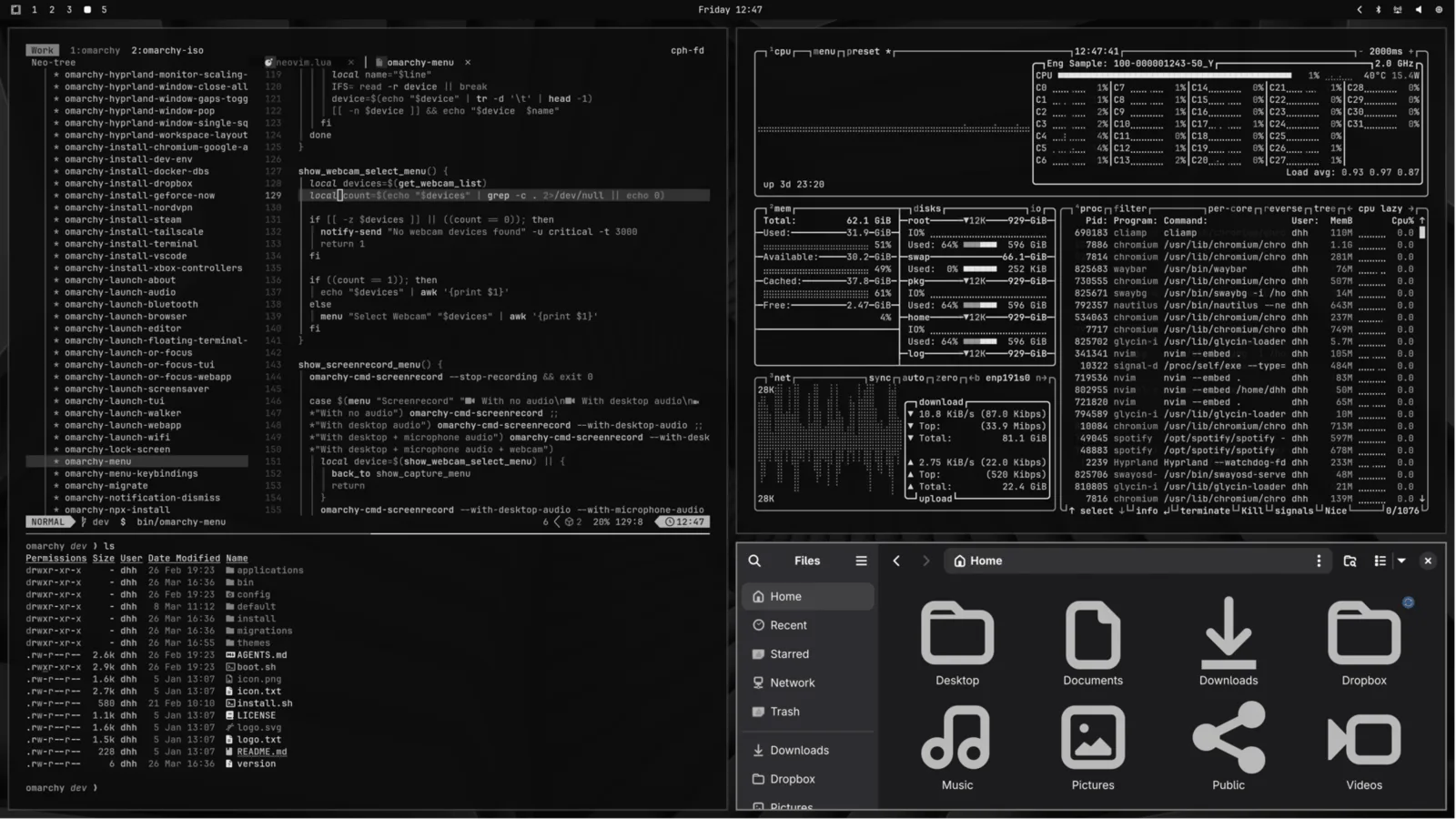 Vantablack
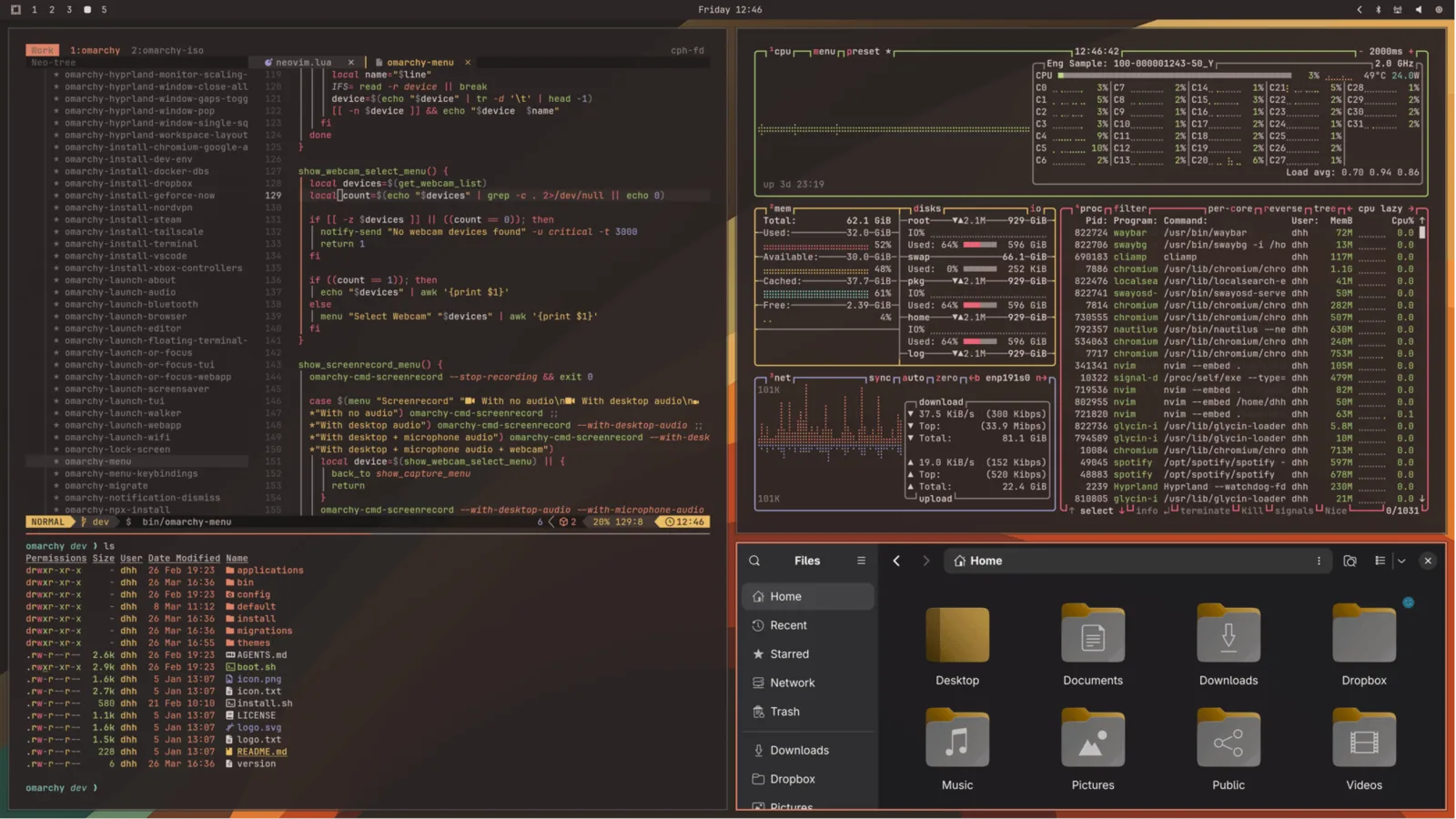 Ristretto
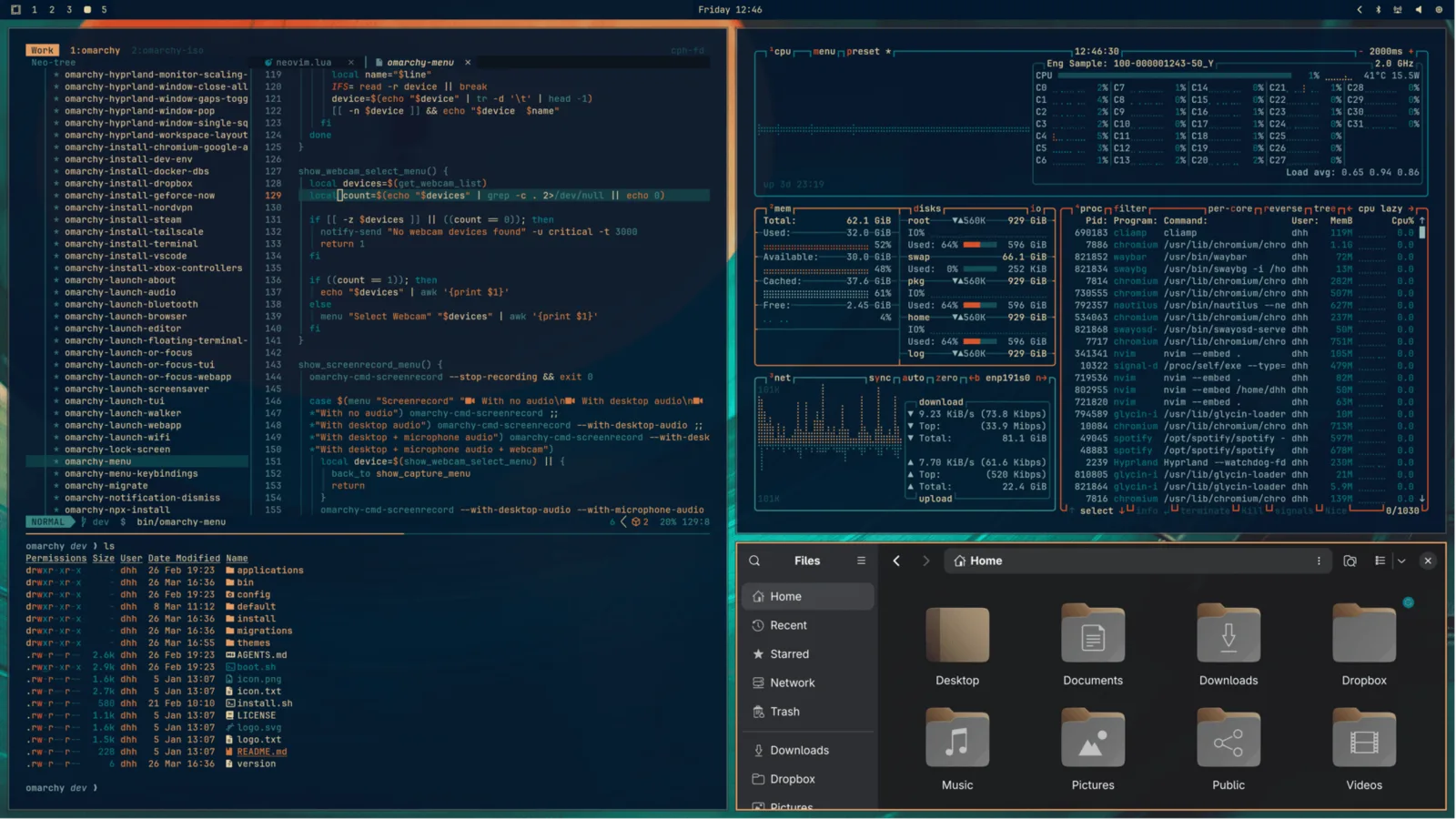 Retro 82
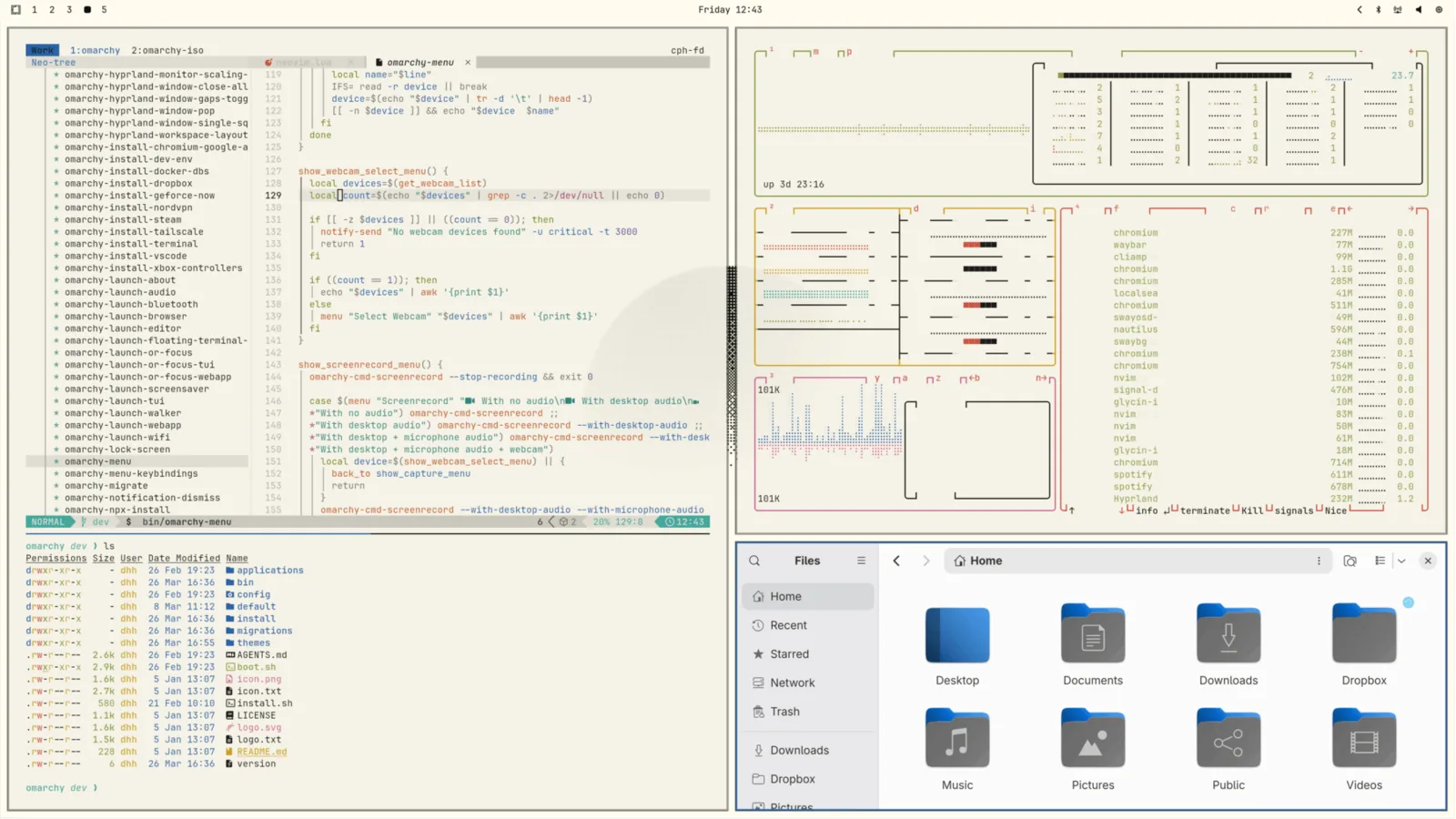 Flexoki Light
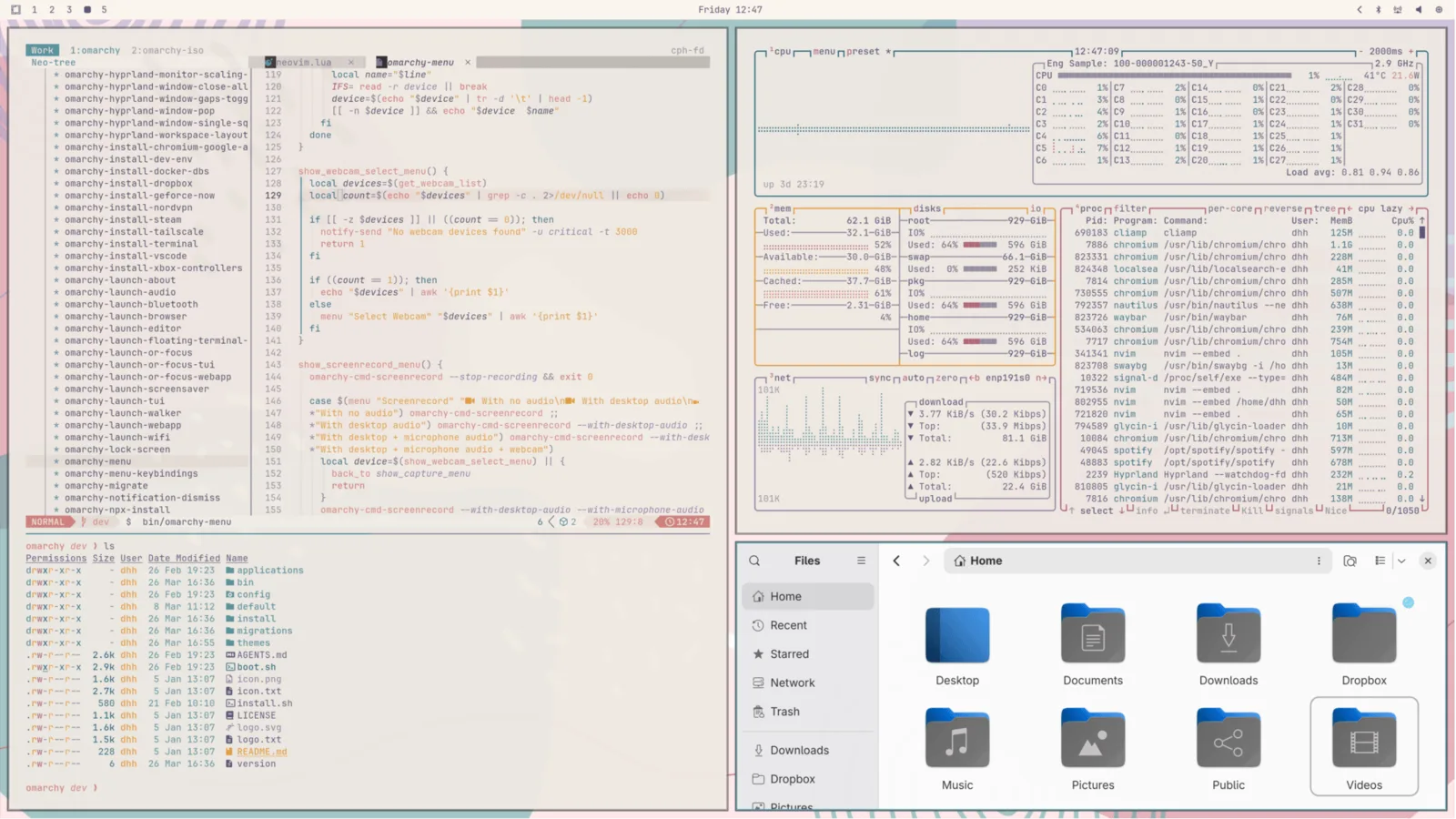 Rose Pine
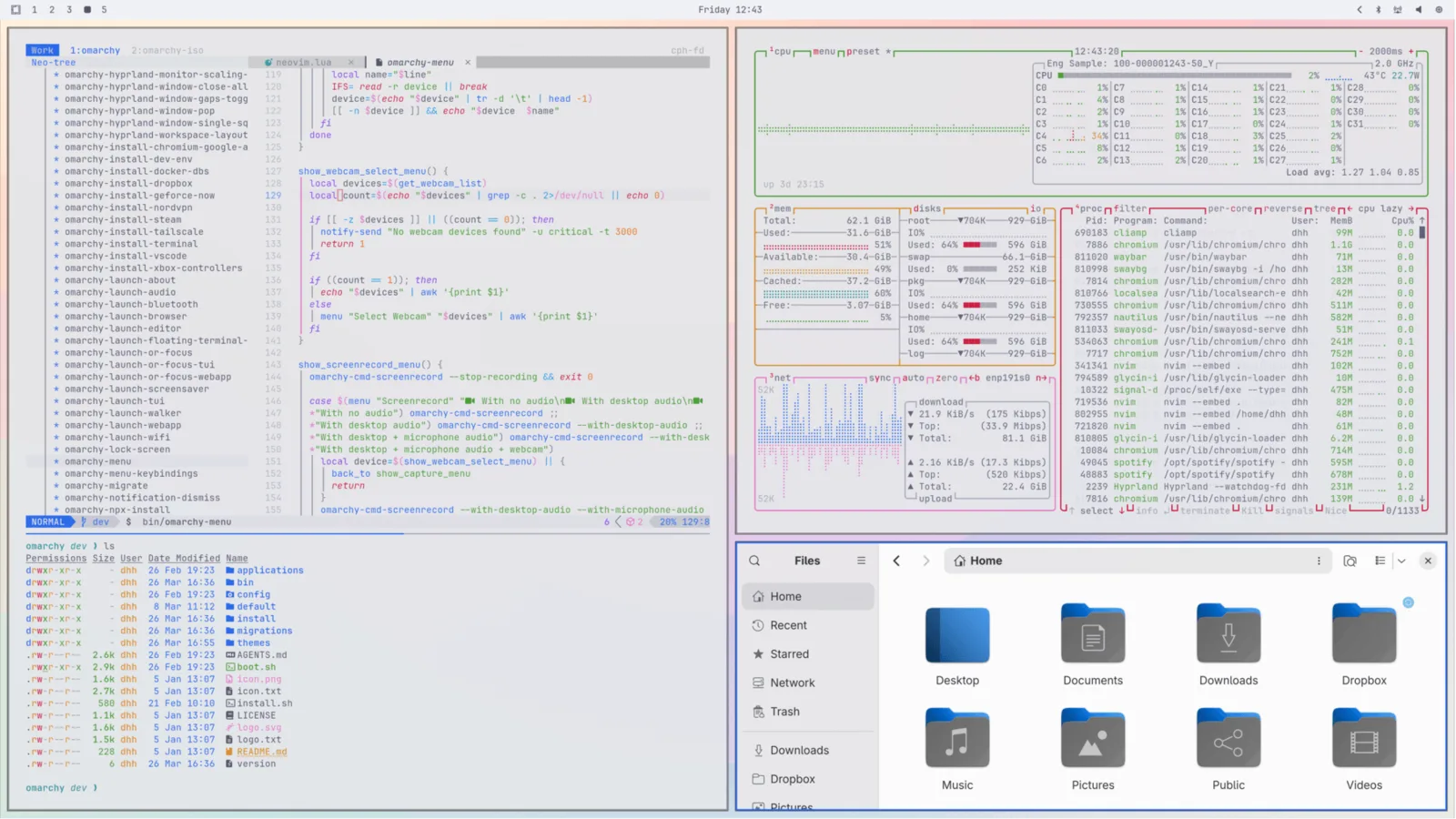 Catppuccin Latte
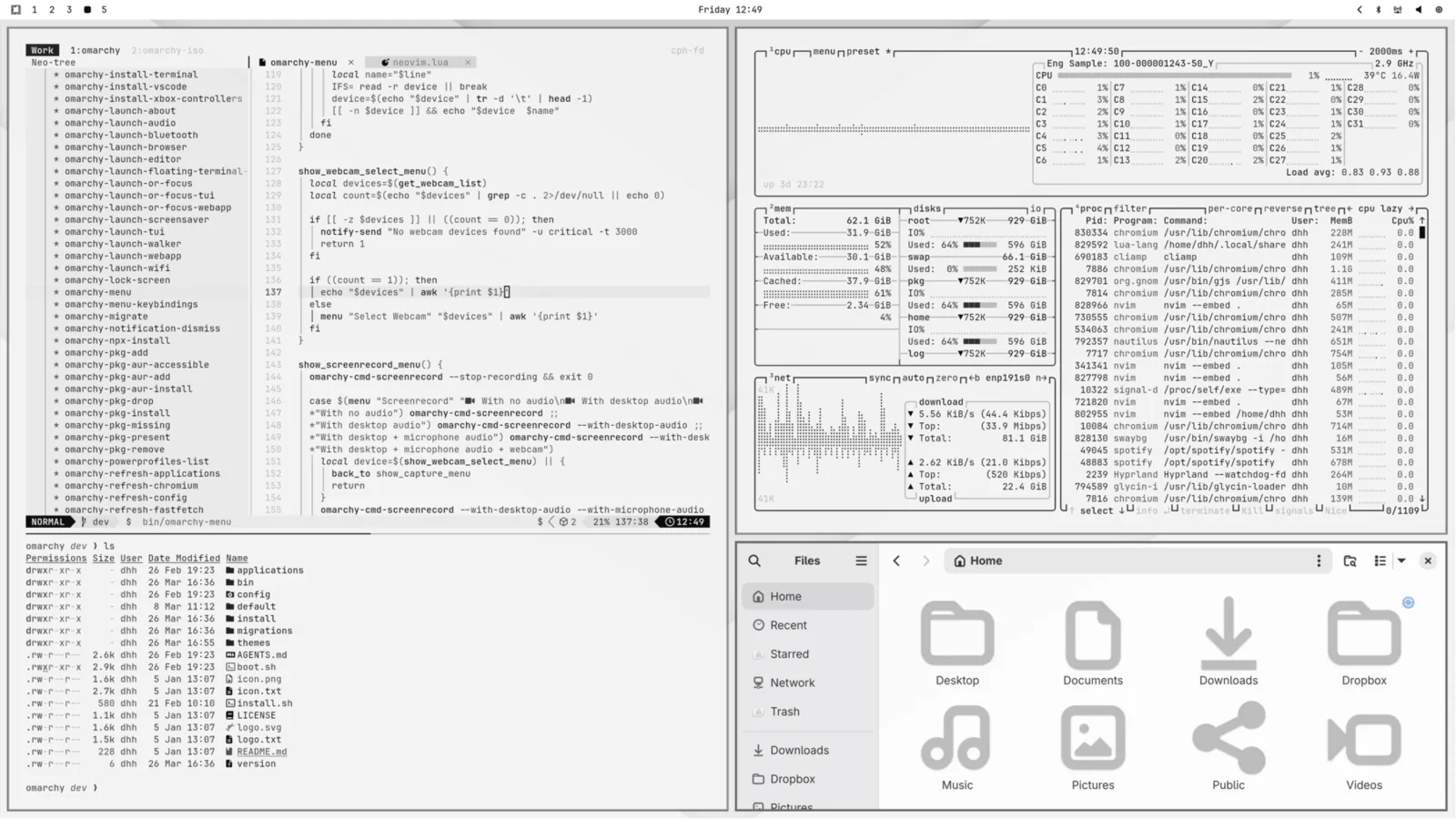 White
White
Unlocks #
Themes can also have a custom unlock design, which is used for the boot decryption process. You can select one of these under Style > Unlock. They look like this:
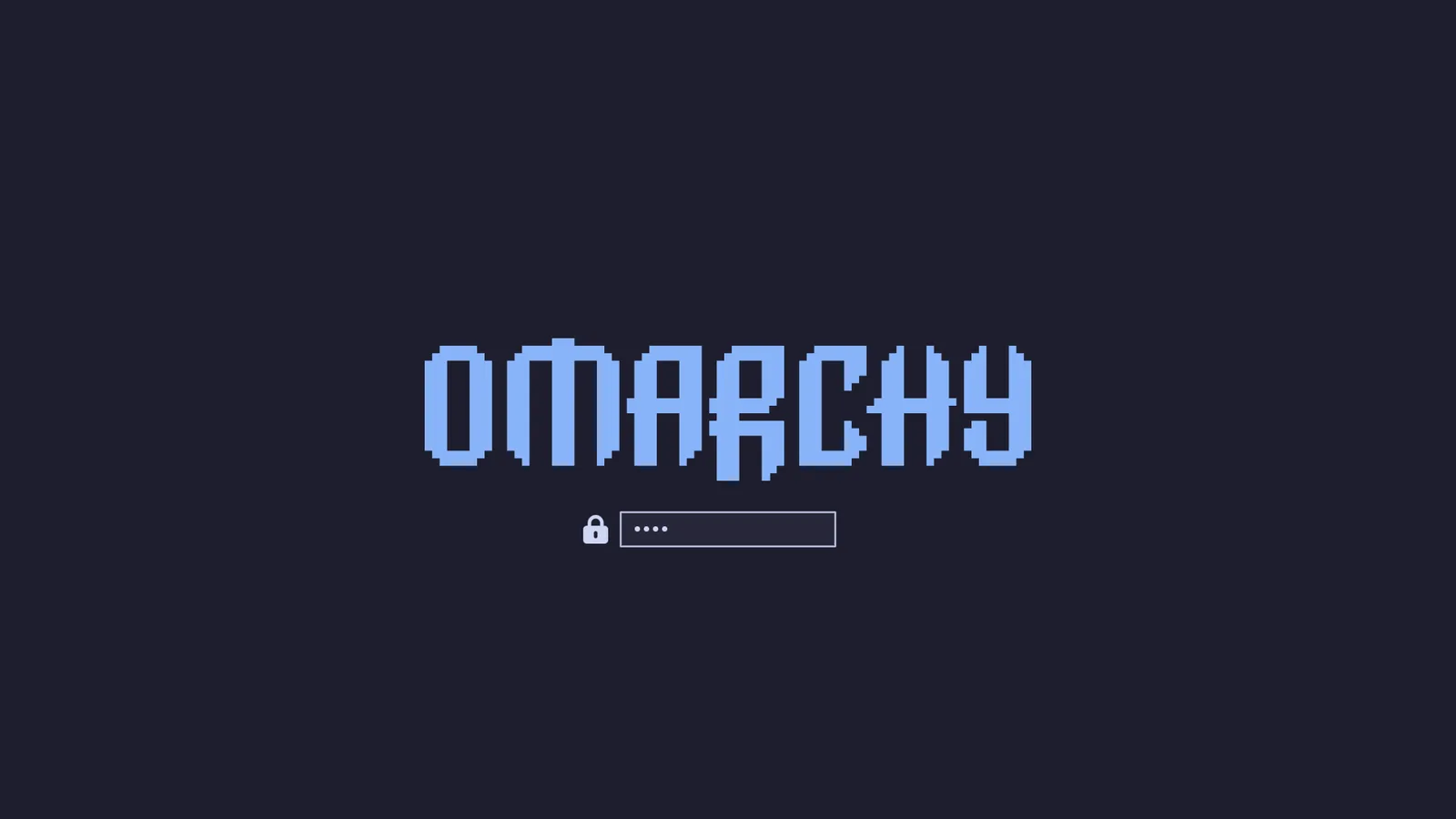 Catppuccin
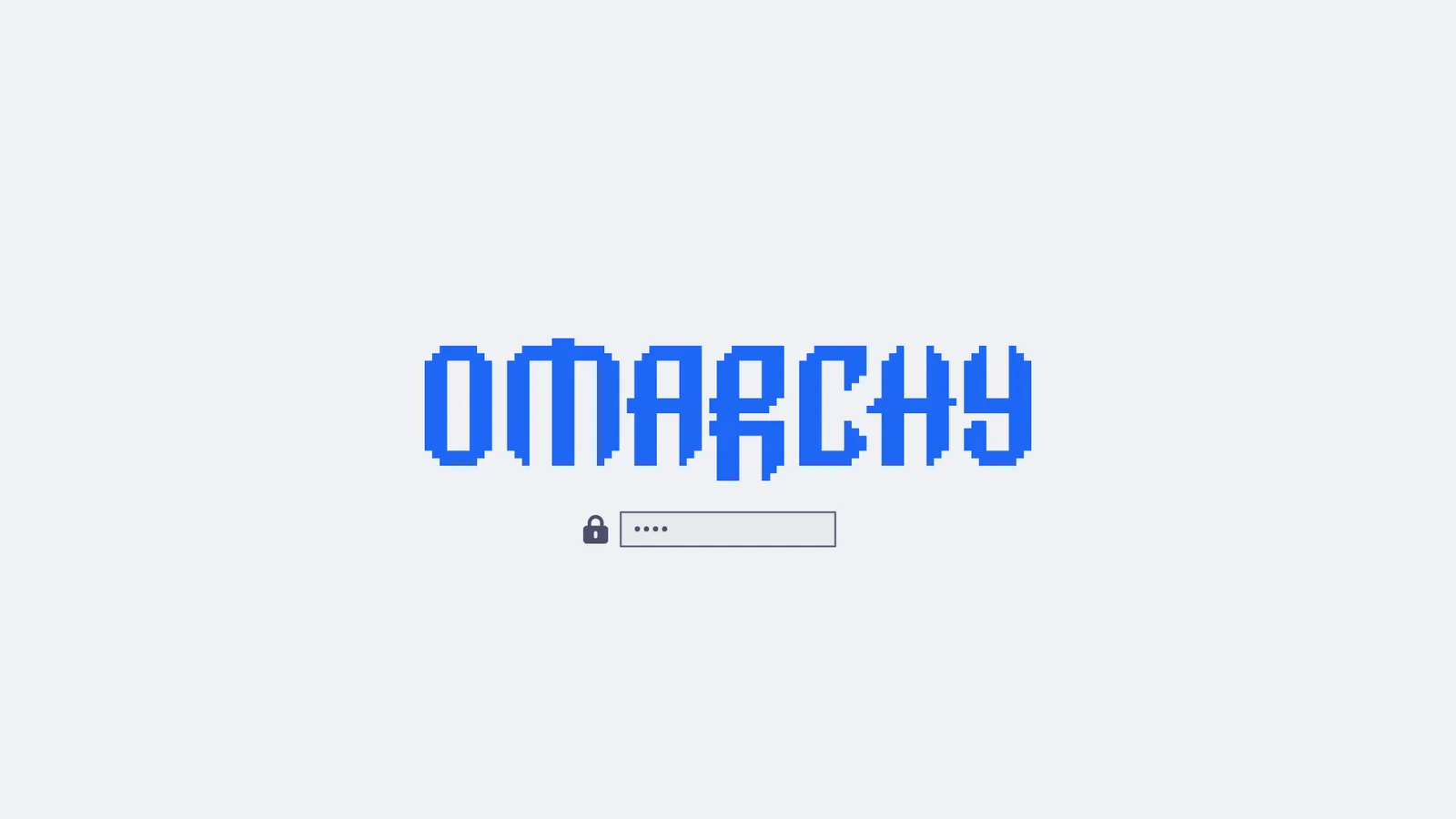 Catppuccin Latte
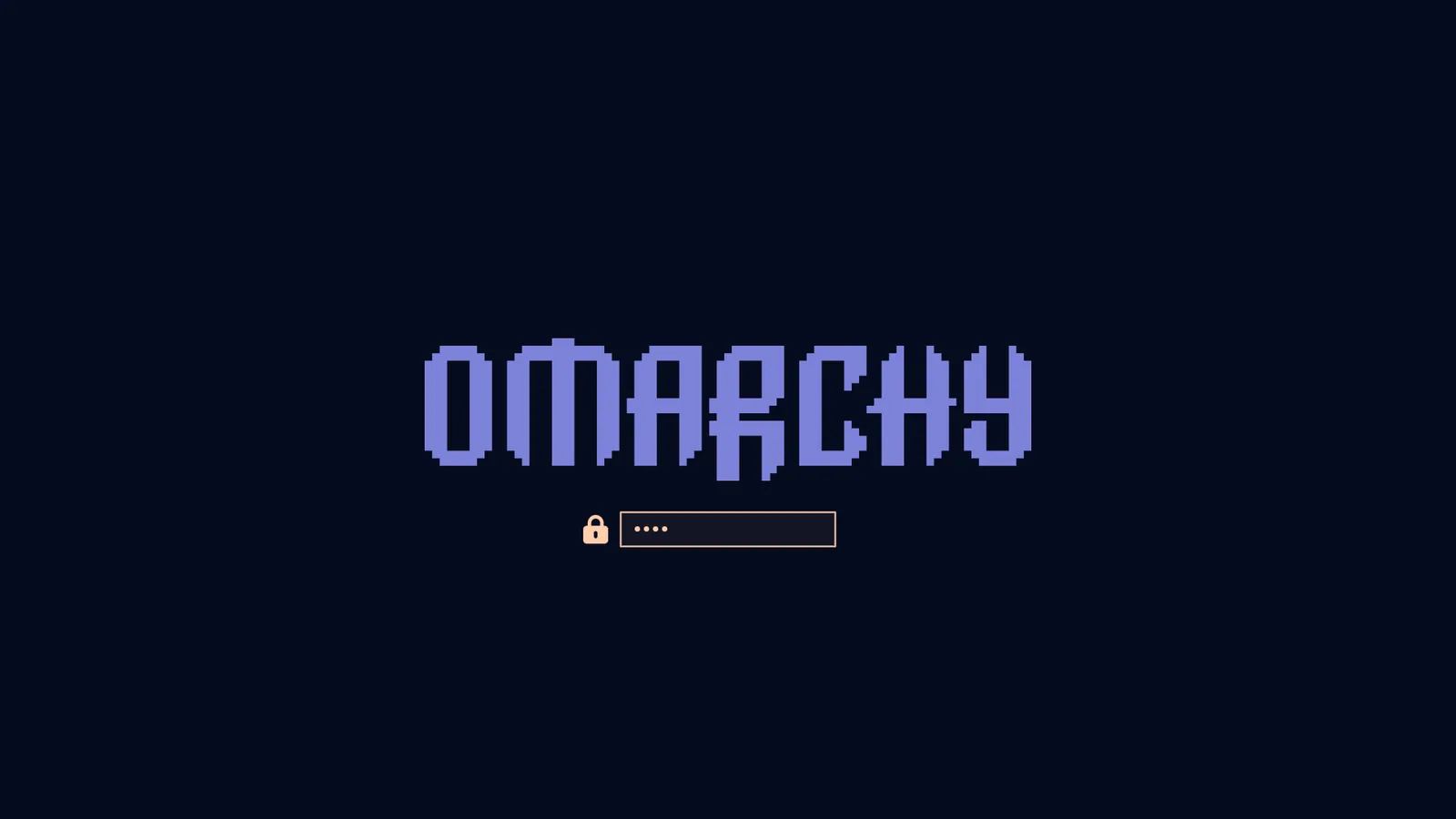 Ethereal
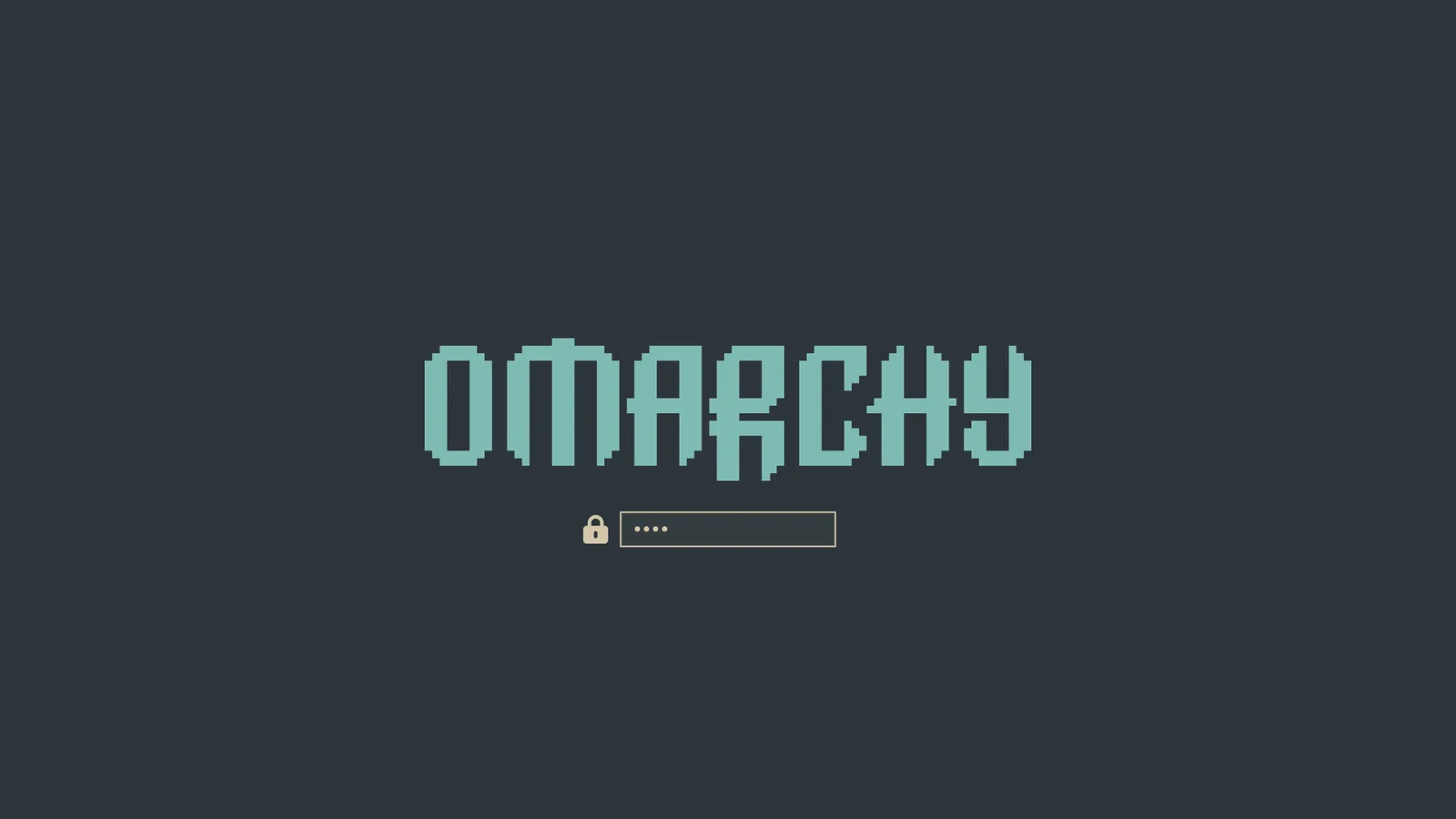 Everforest
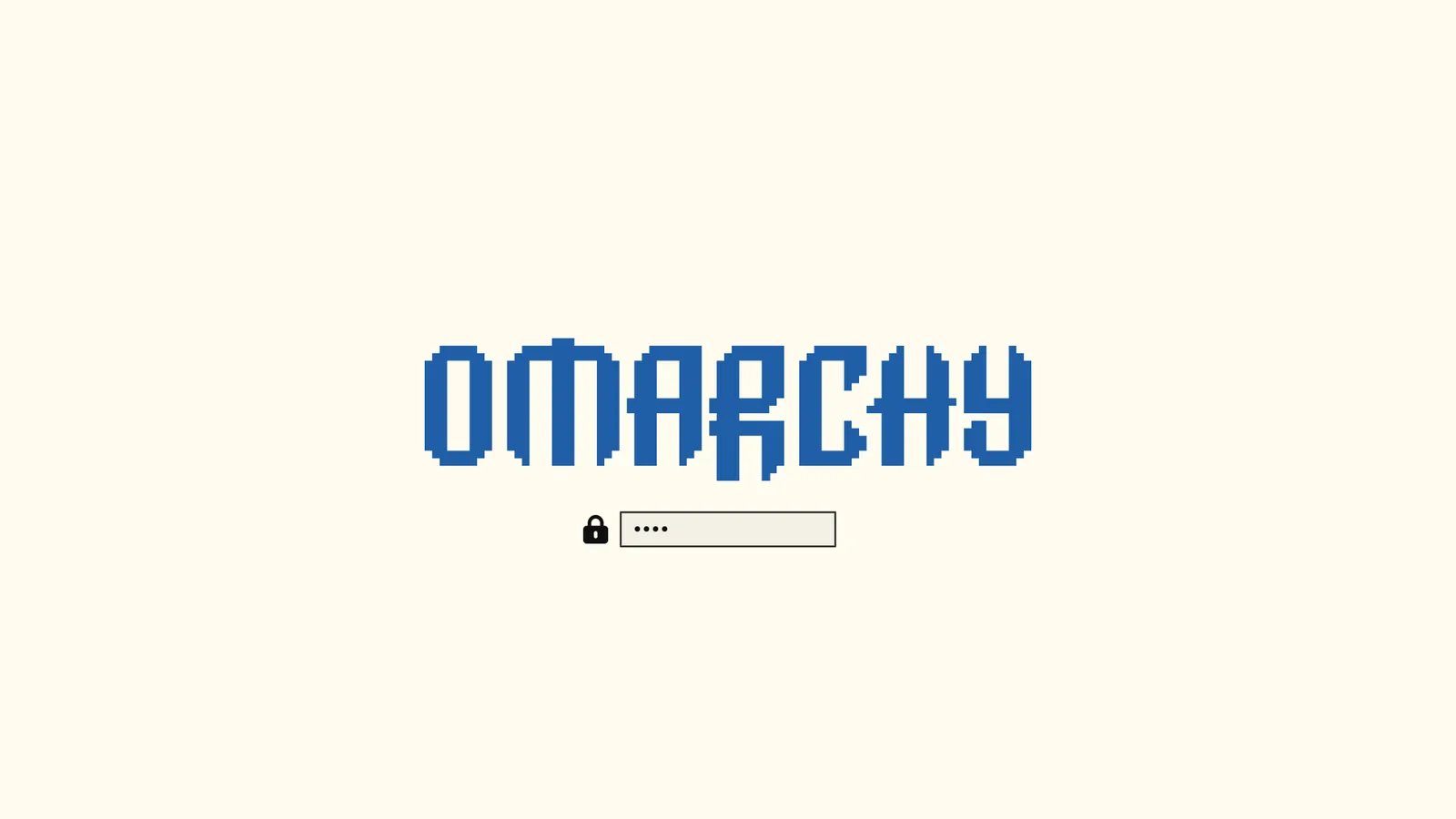 Flexoki Light
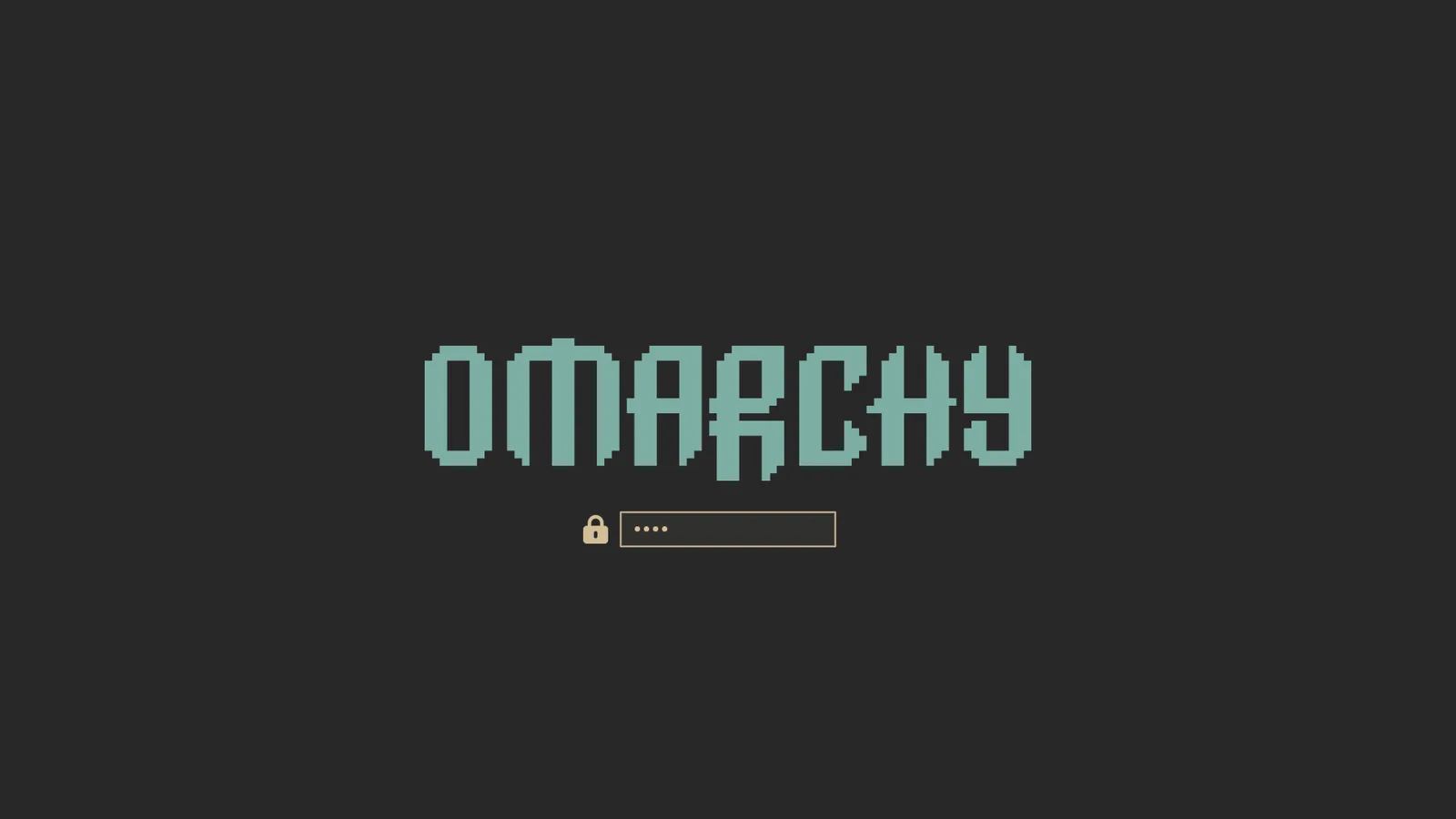 Gruvbox
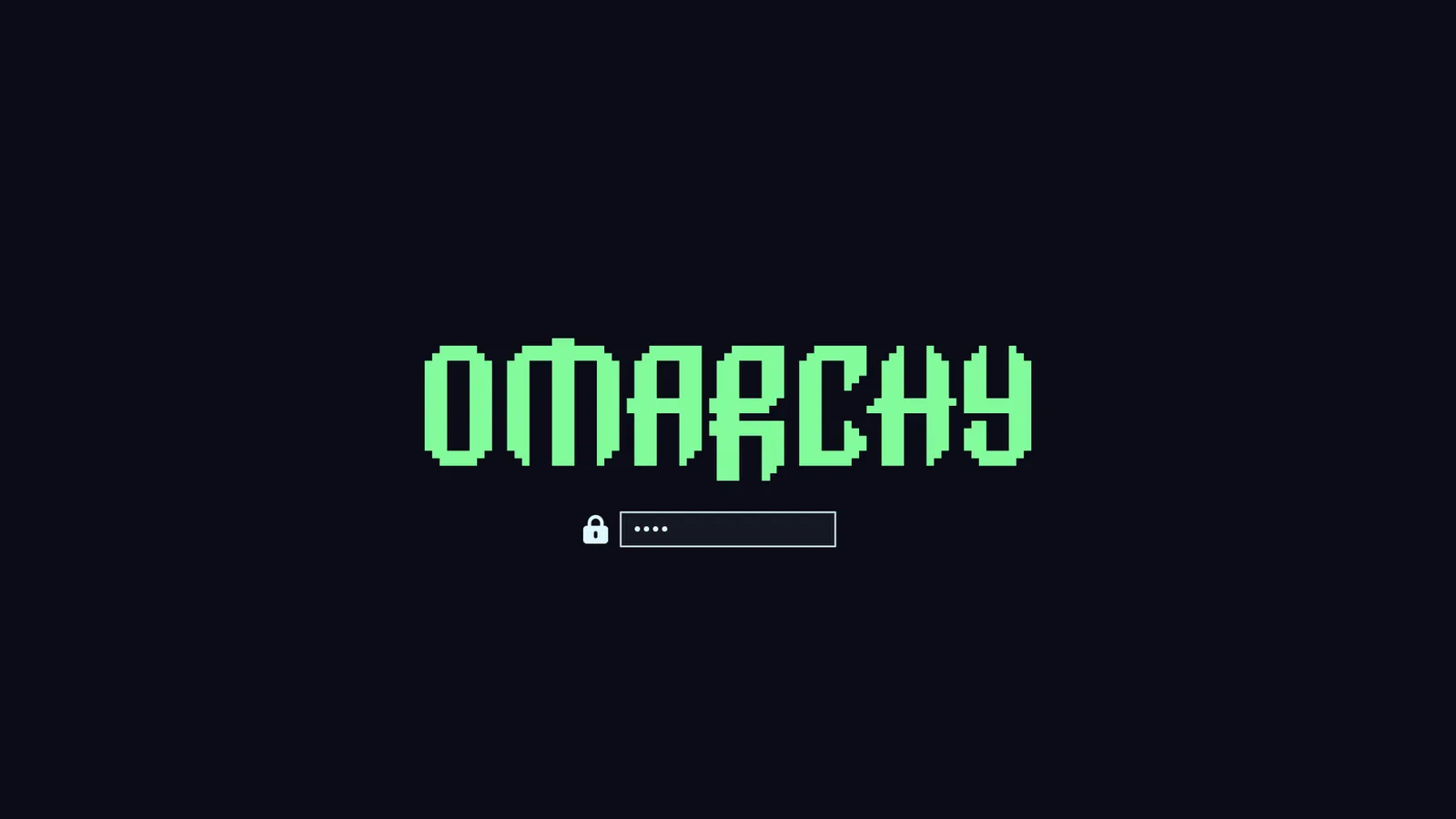 Hackerman
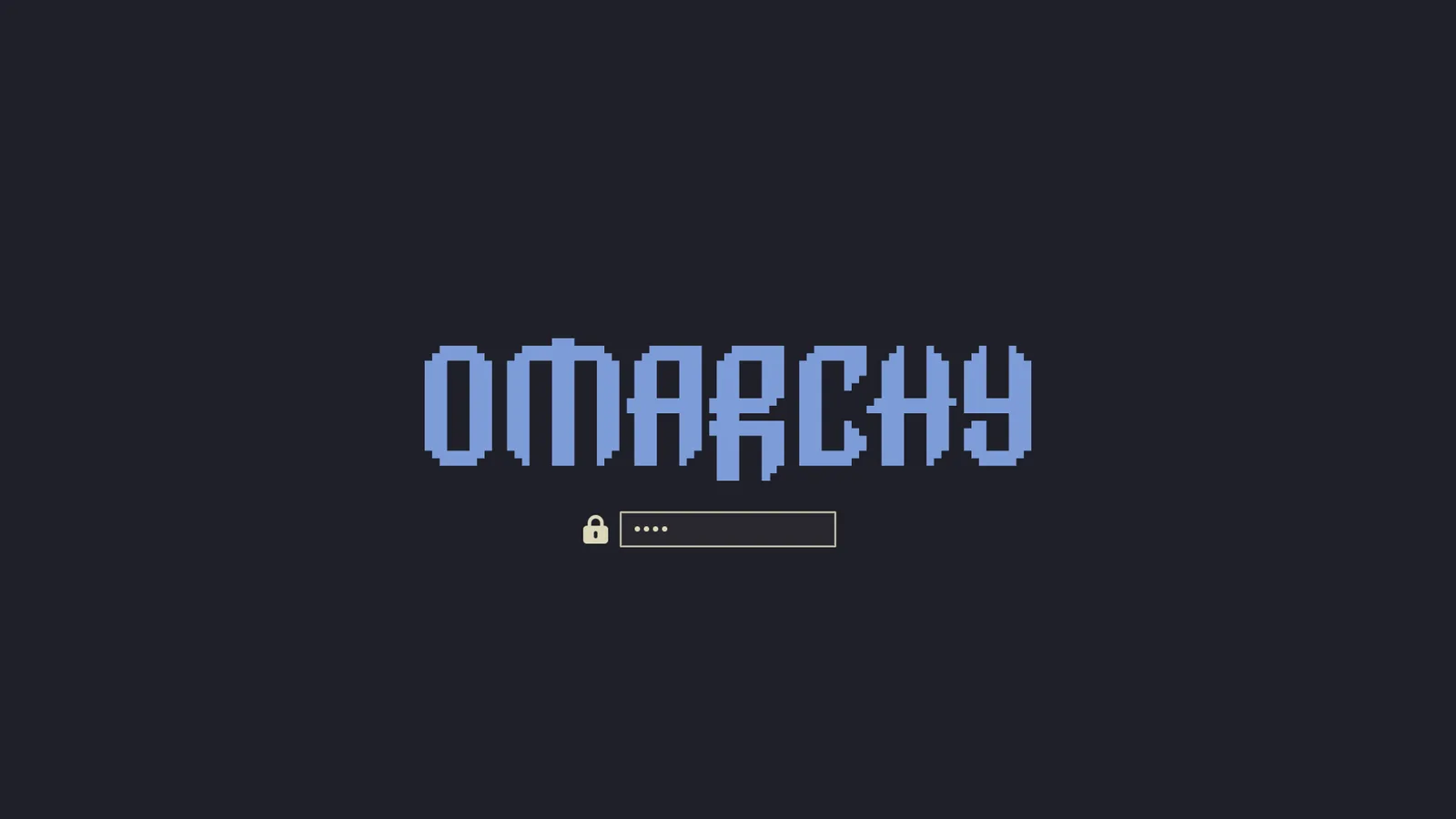 Kanagawa
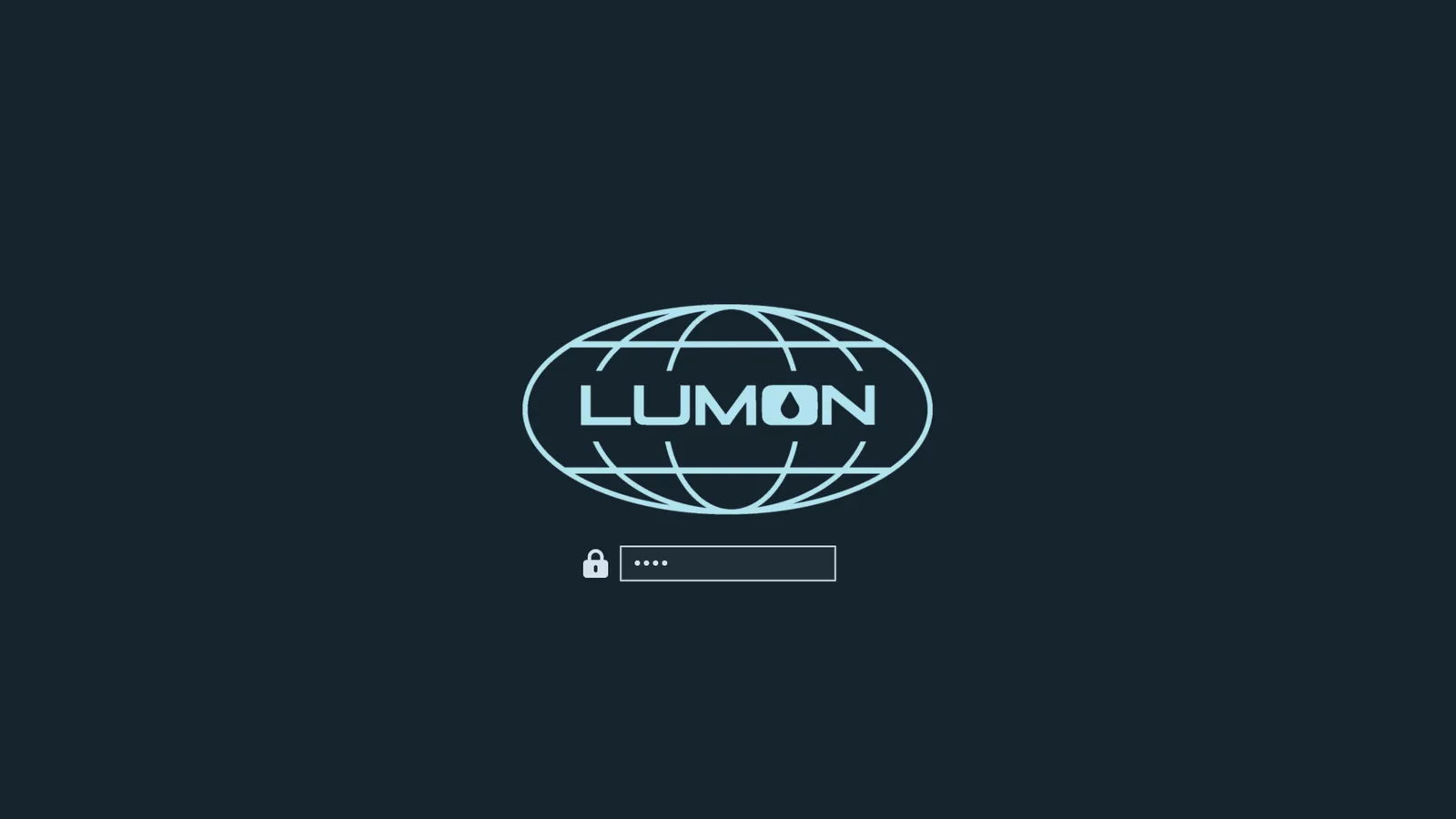 Lumon
Lumon
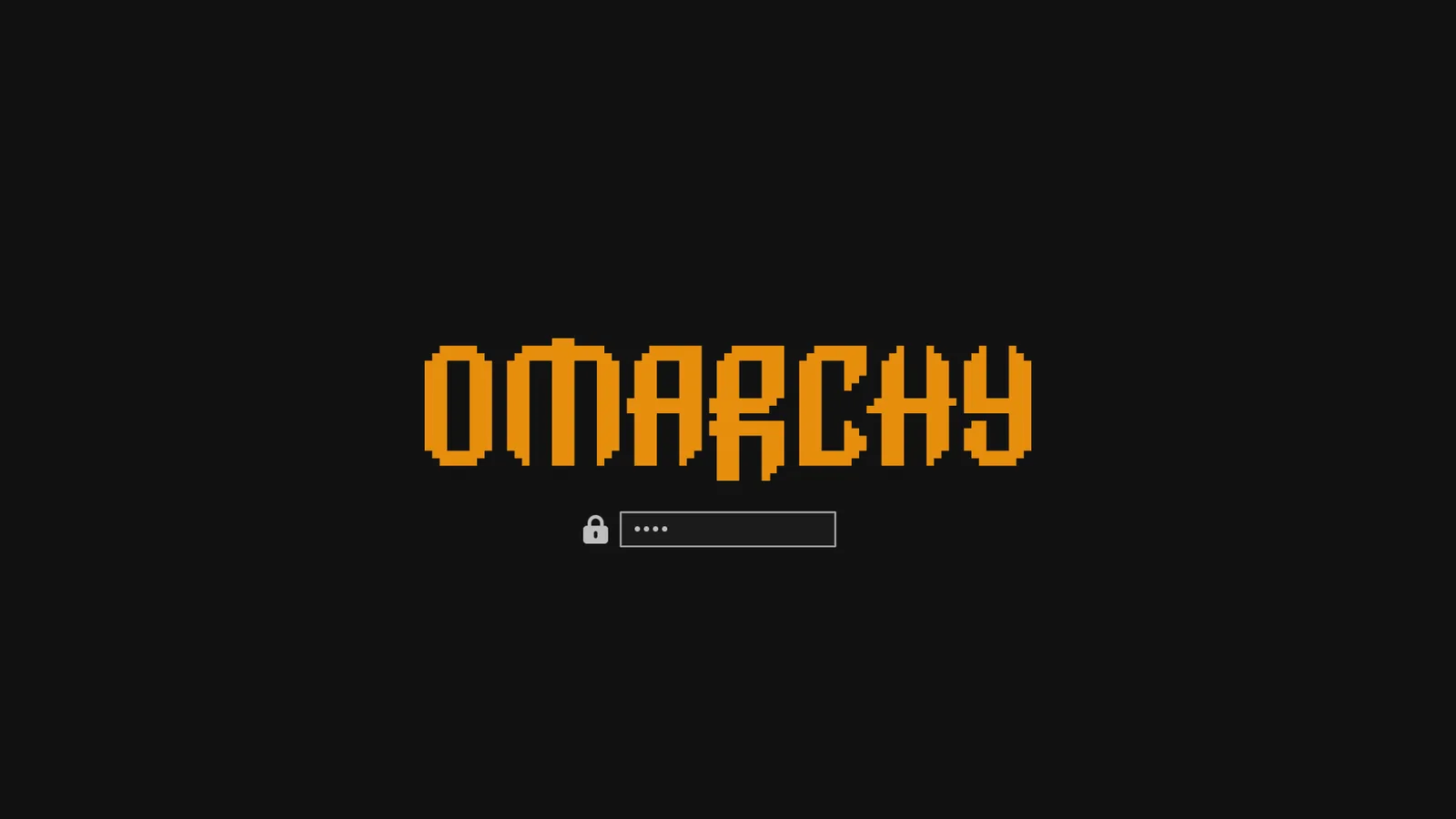 Matte Black
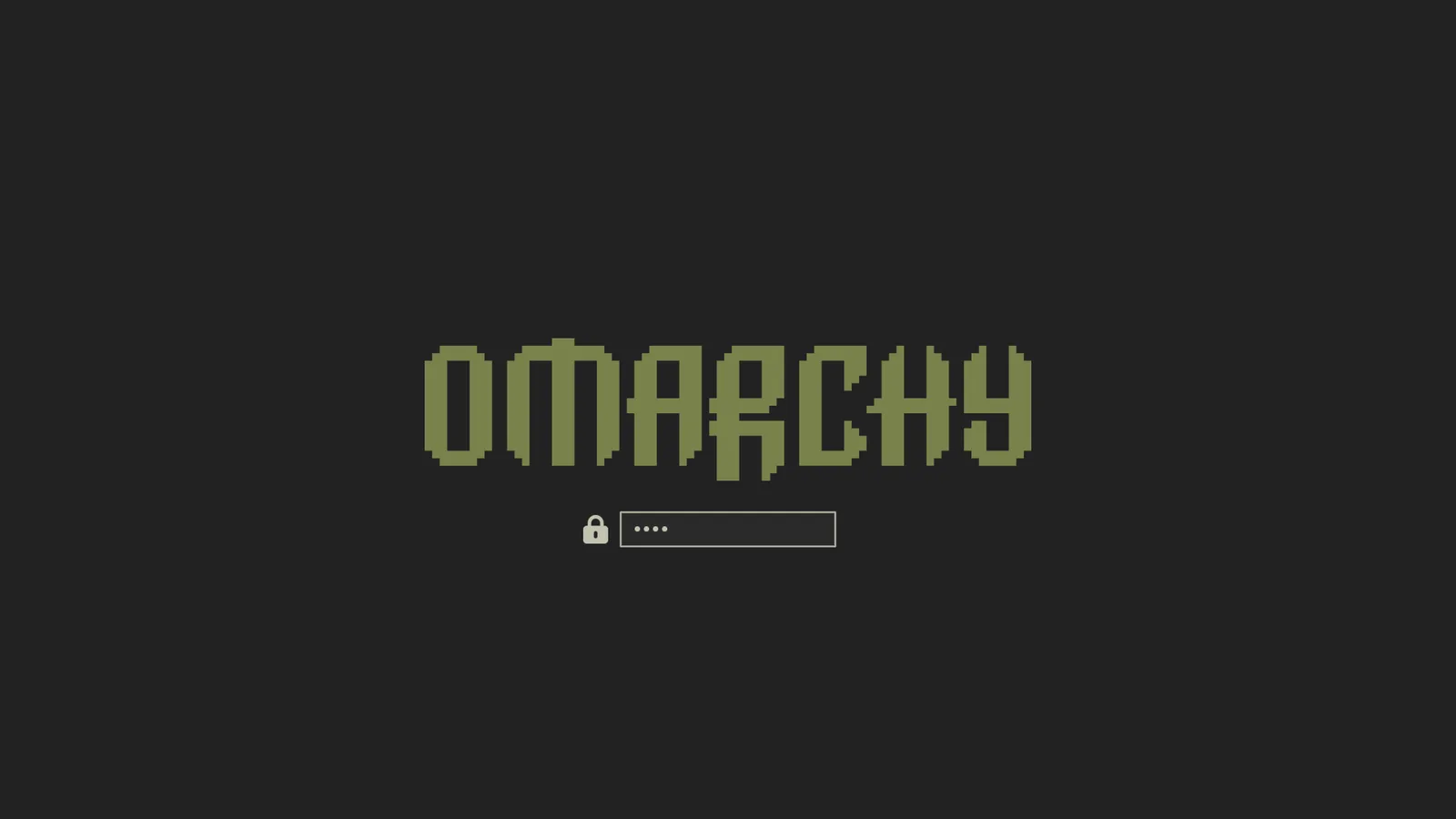 Miasma
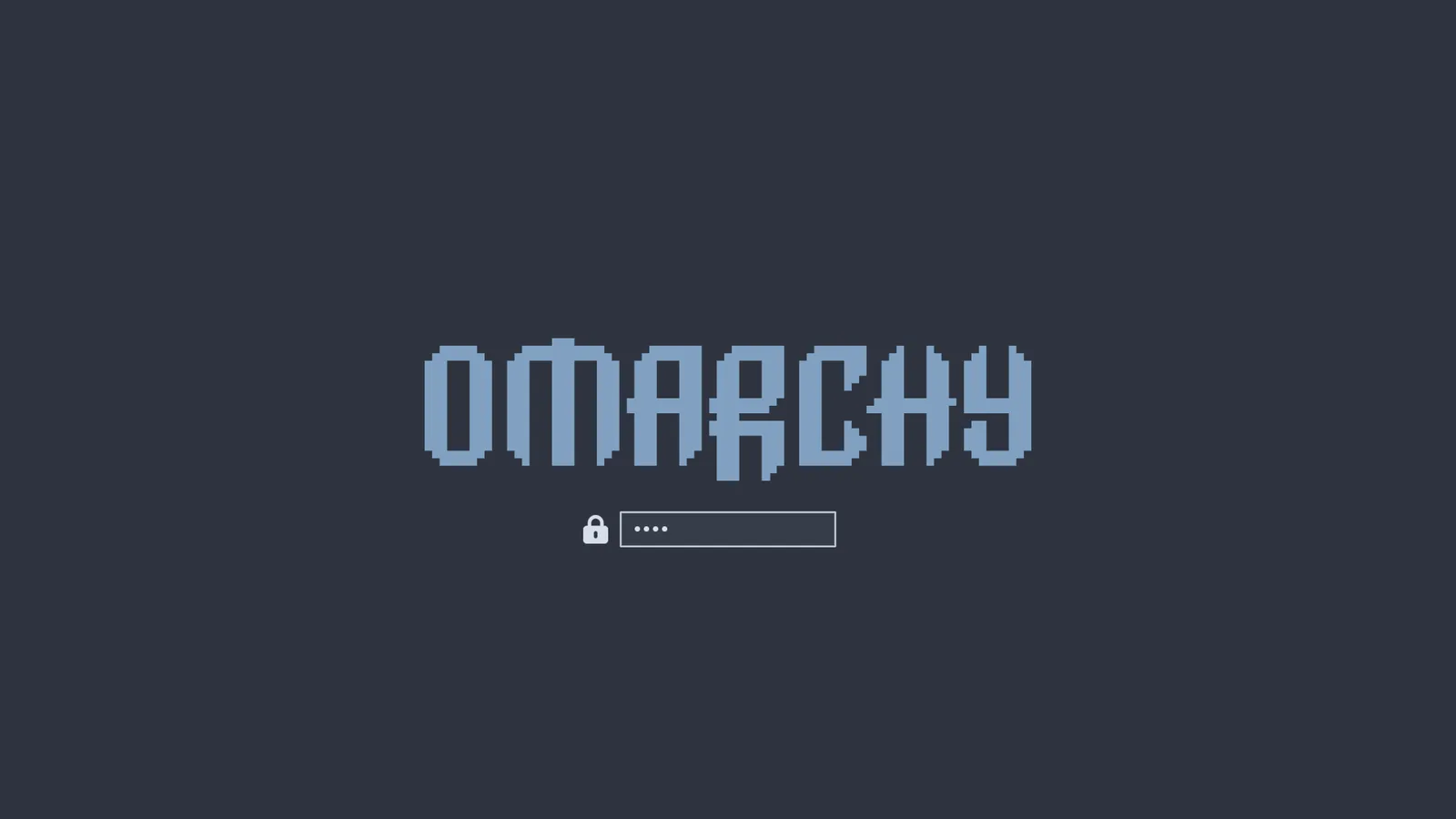 Nord
Nord
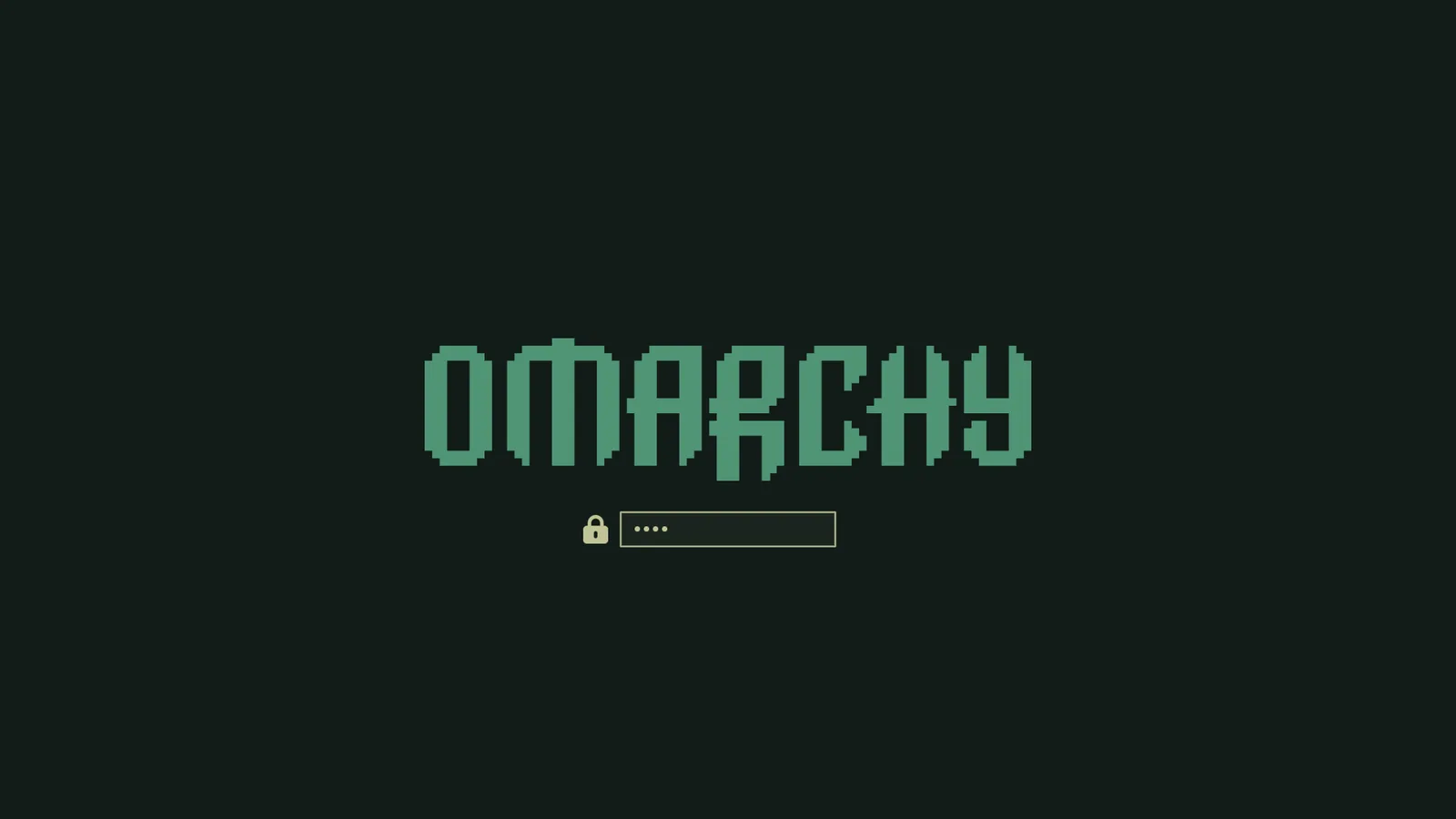 Osaka Jade
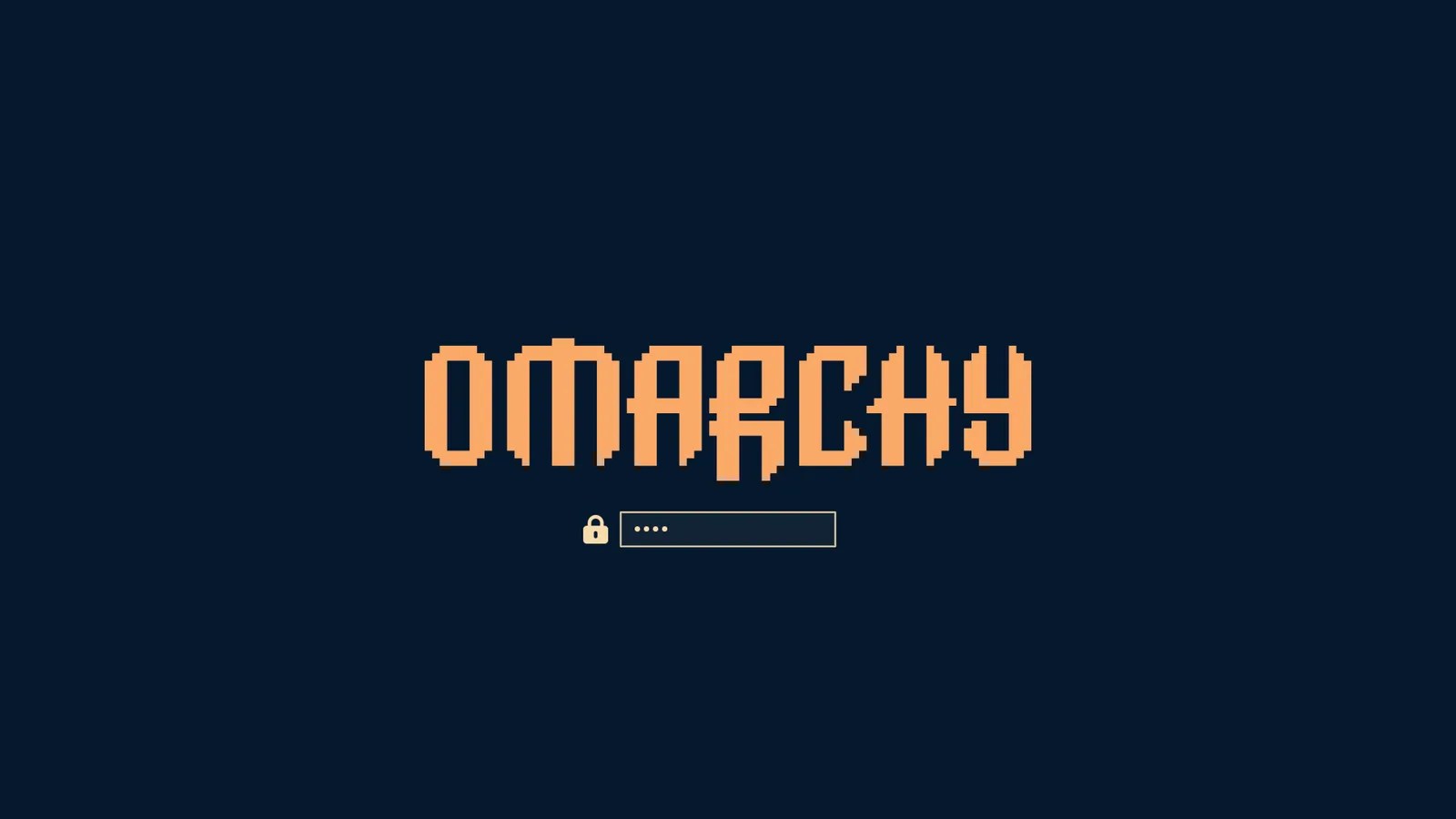 Retro 82
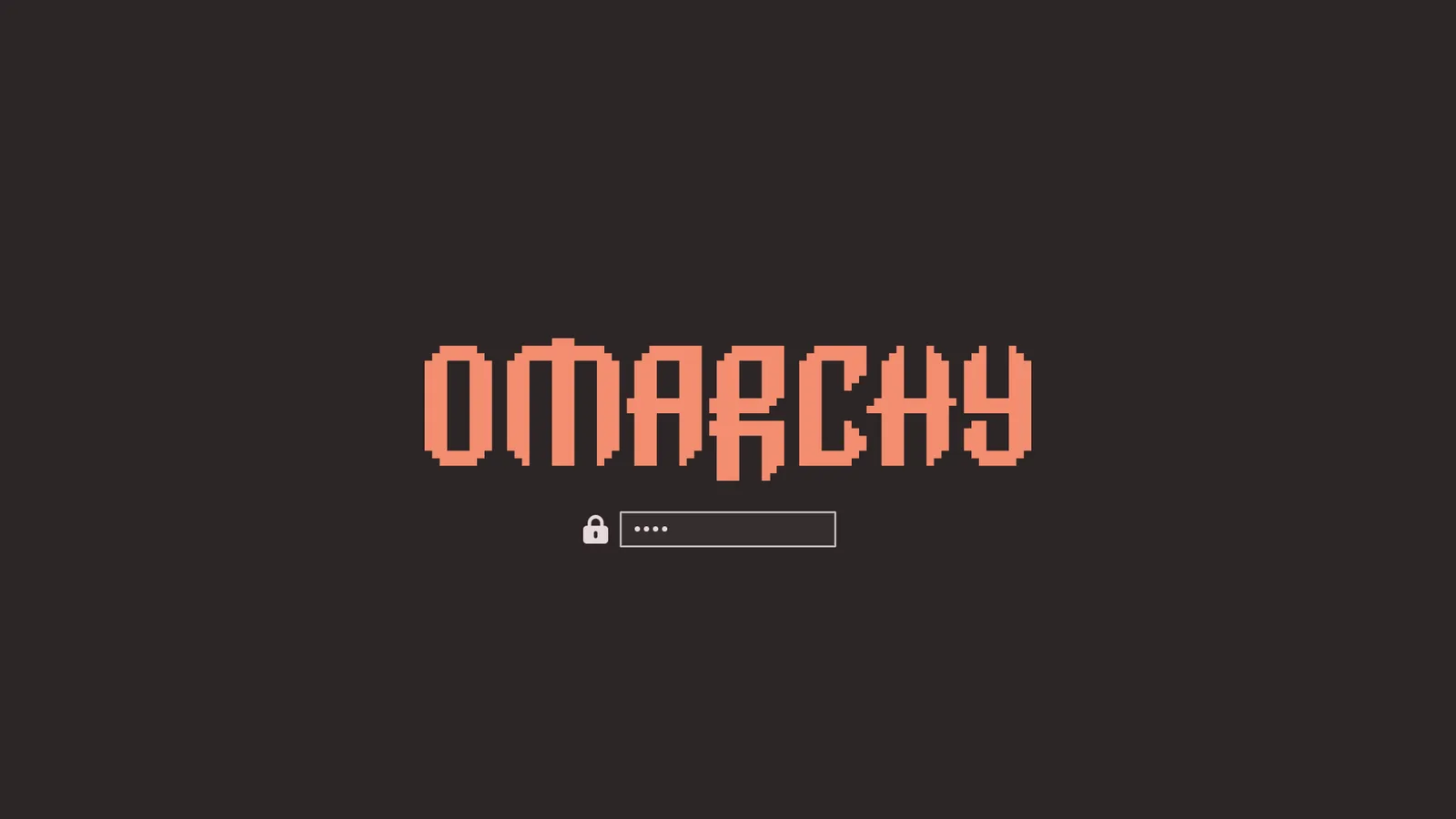 Ristretto
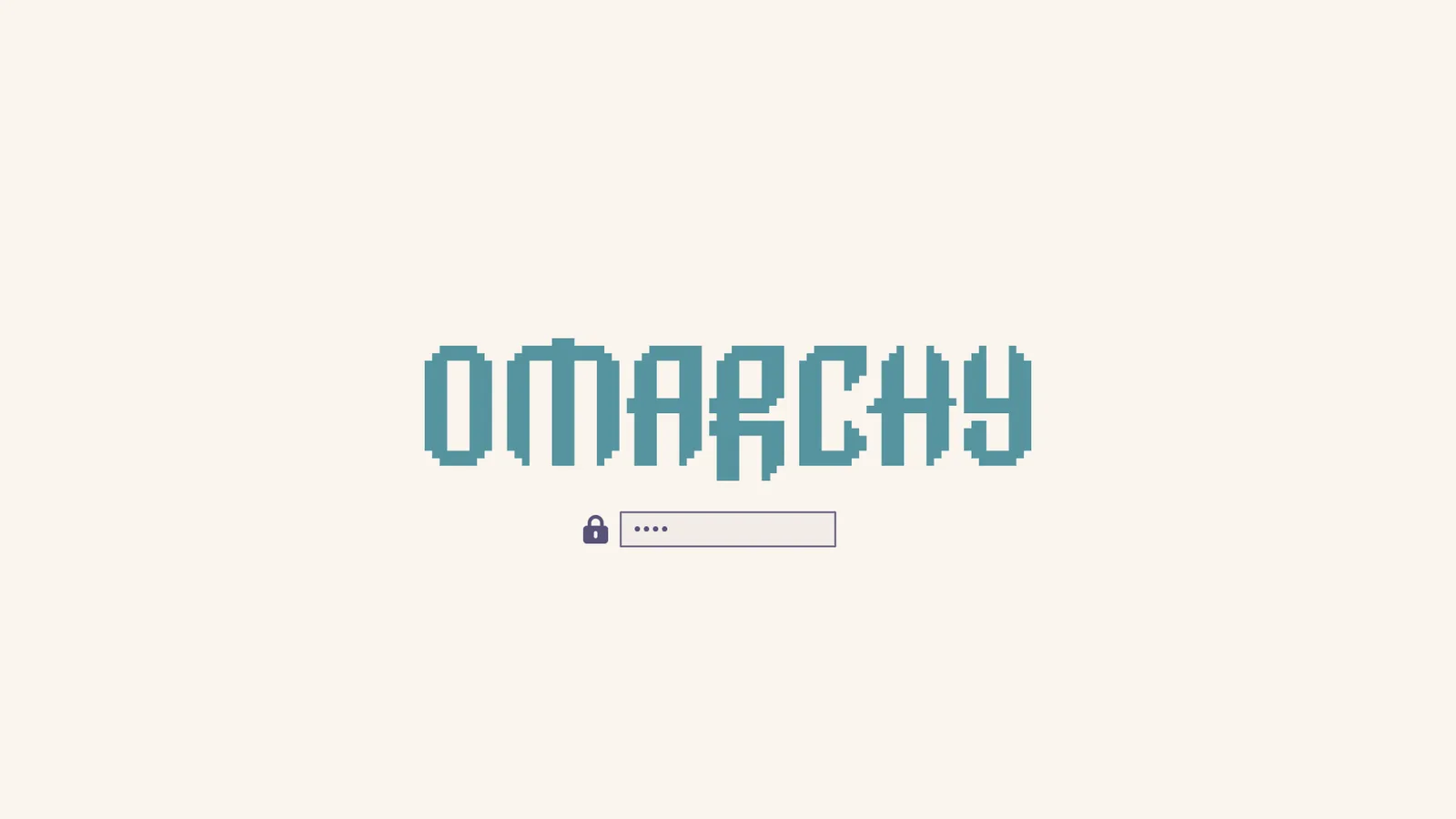 Rose Pine
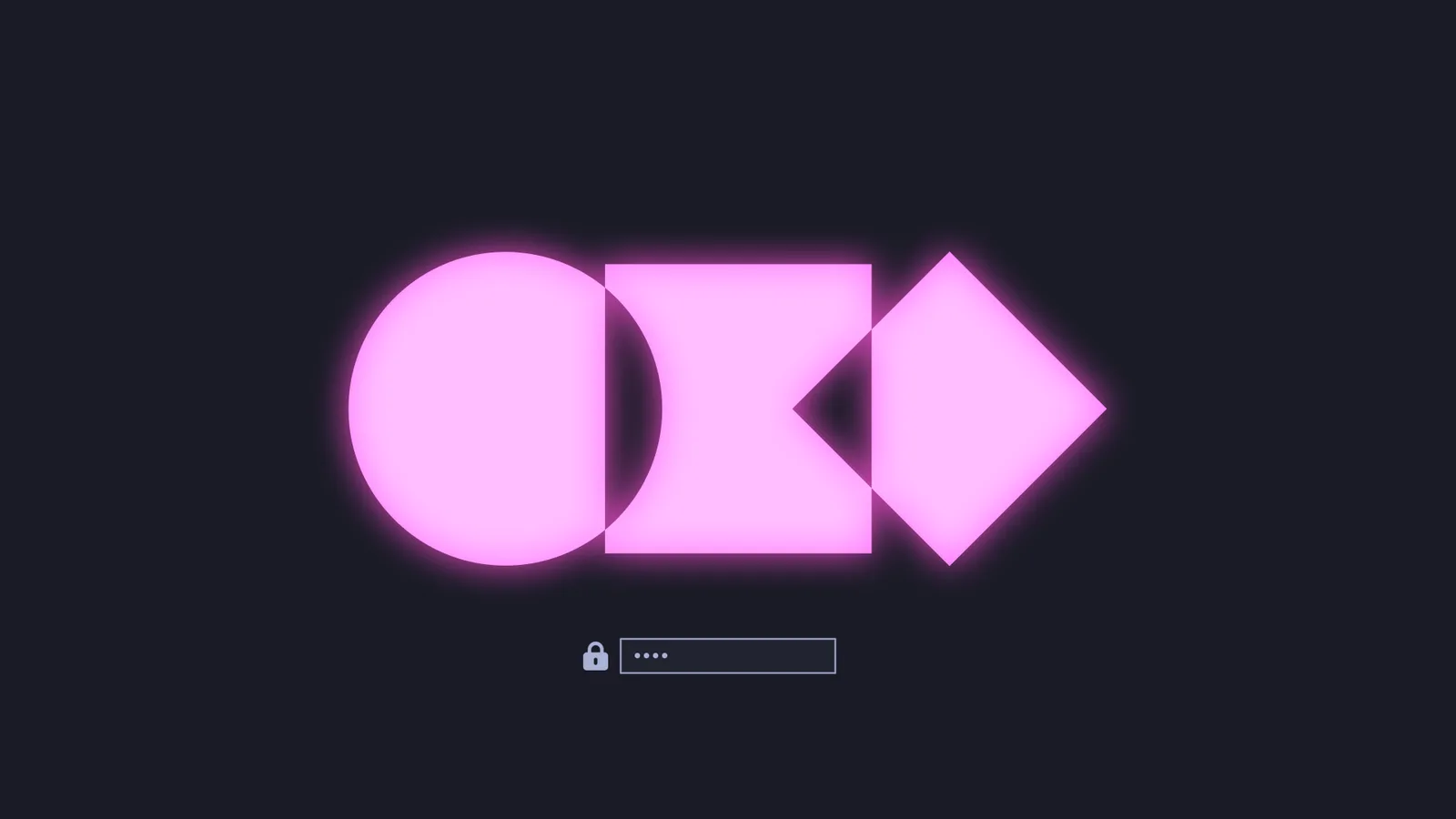 Tokyo Night
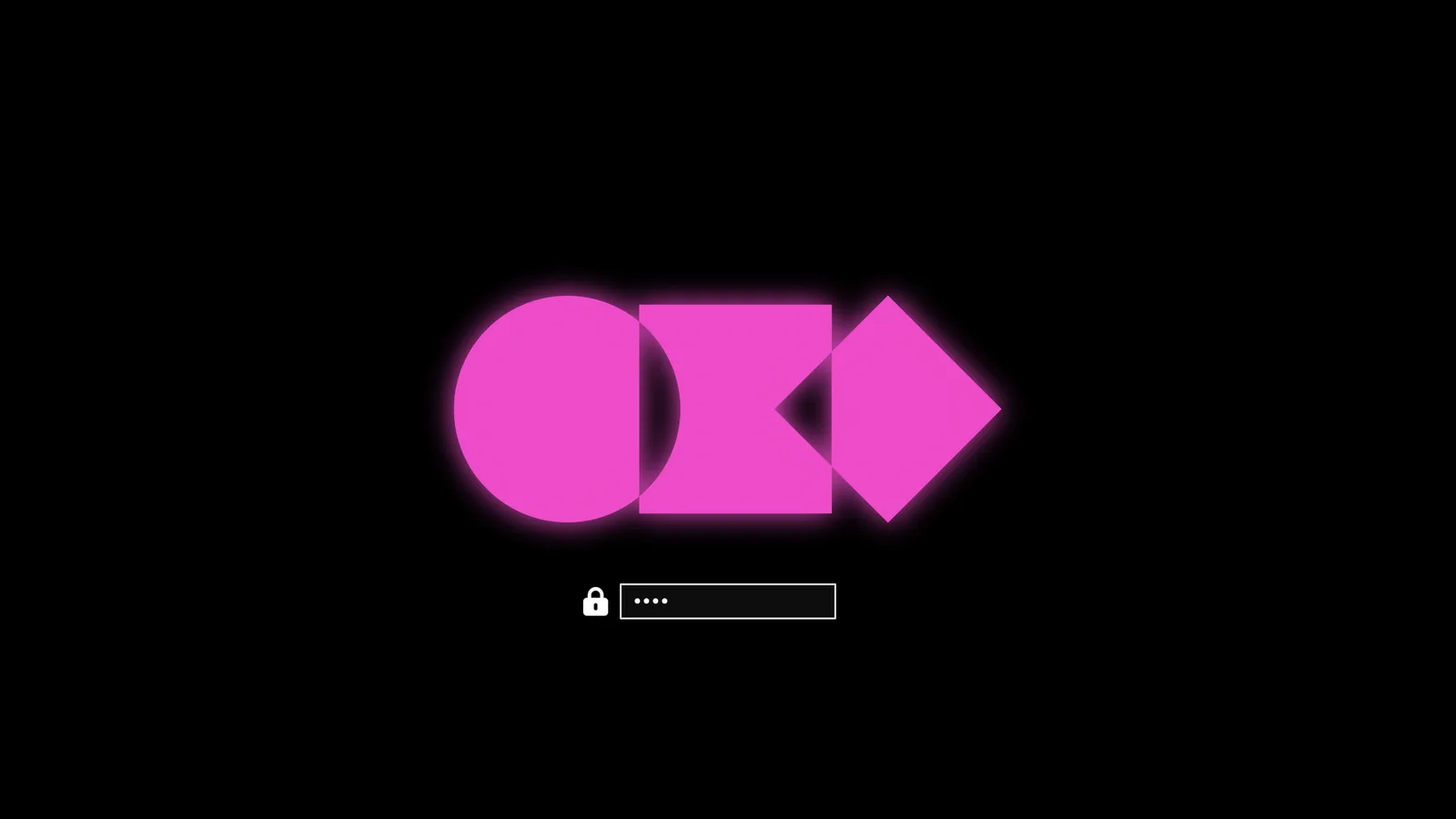 Vantablack
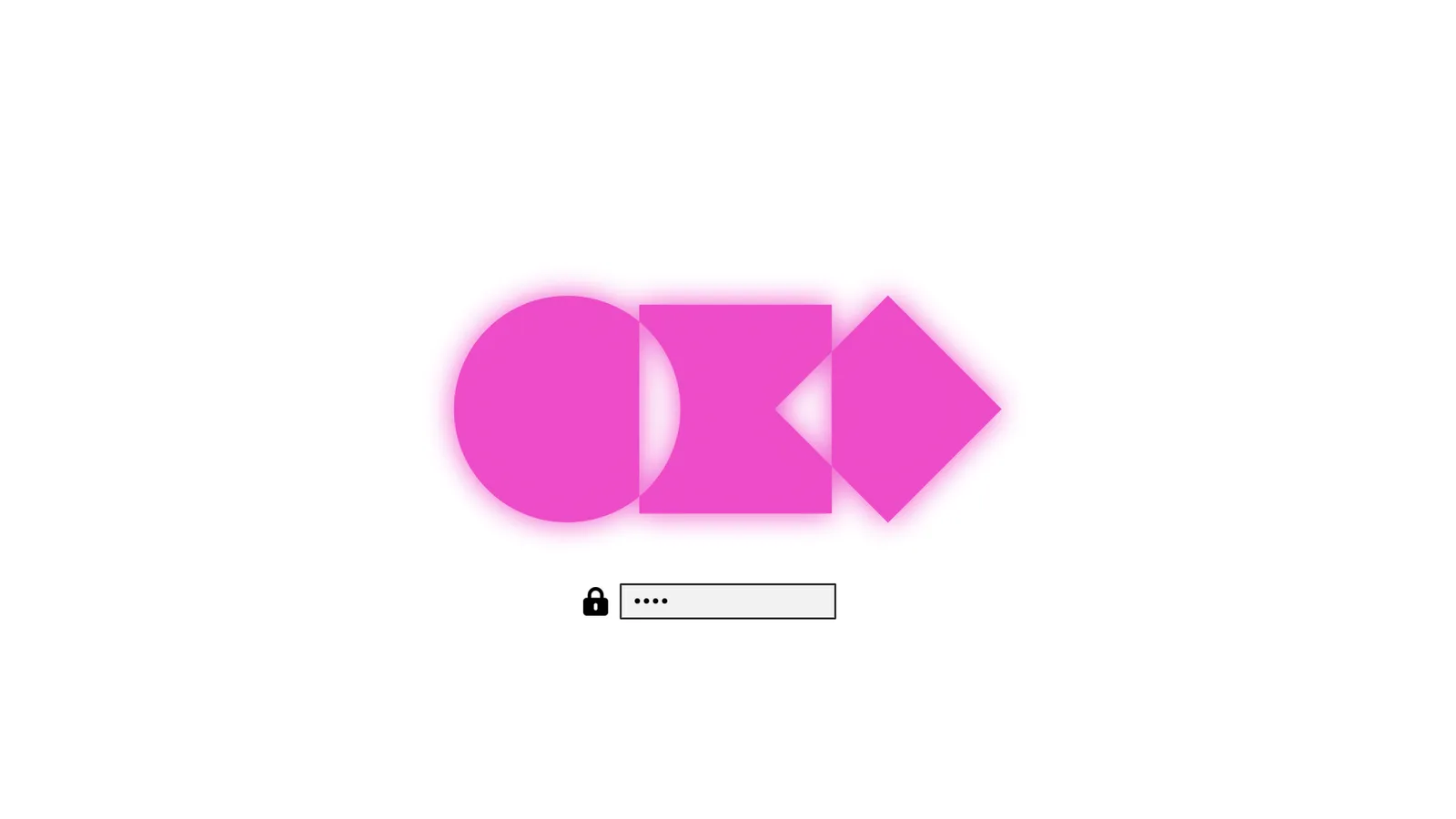 White
White