Omacom Foundation launches with $10 million

The Omarchy Manual · chapter 40 of 51

Prompt

Prompt

Omarchy ships with a minimal Starship prompt by default. That’s how I like to keep my prompt. I don’t need to know the user, because it’s always me, and I don’t need to know the time, because it’s always at the top.
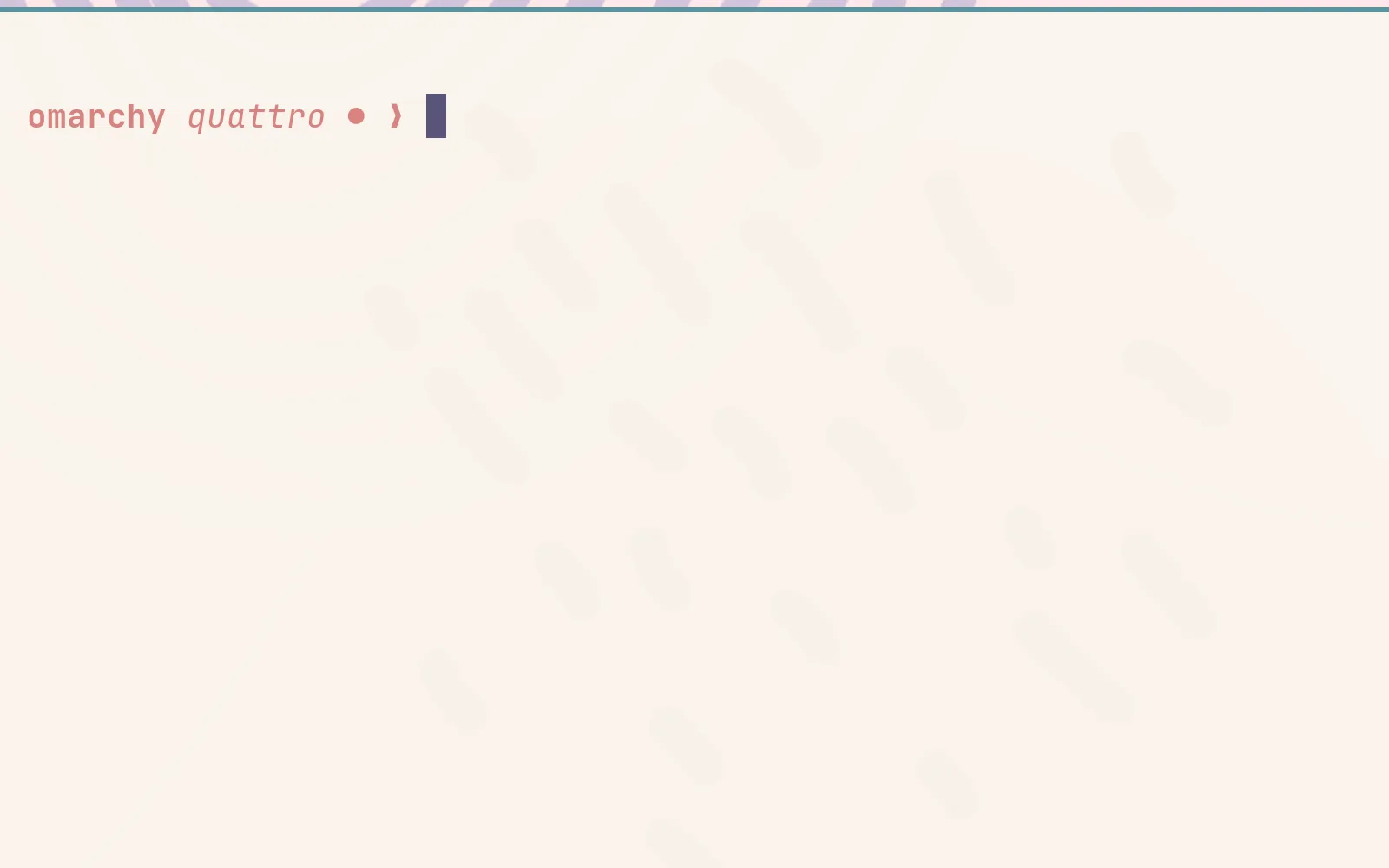
prompt

If you want more information or style, you can change the Starship.rs configuration in ~/.config/starship.toml. There’s a lot you can do. Just don’t go overboard (or do go overboard, do whatever you want, it’s your computer!)

Omarchy menu move · open · Esc close
KeybindingsEsc close

On this site

  • Super SpaceOmarchy menu
  • Super Alt SpaceApps menu
  • Super Kthis list
  • Super EscSystem menu
  • Super Ctrl Shift Spacenext theme
  • tnext theme (shortcut)
  • /search the manual

Super is on a Mac, Win elsewhere. On a Mac, Raycast/Spotlight take Space before the browser sees it, so Ctrl works in place of Super for all of these.

In Omarchy

  • Super SpaceOmarchy menu — apps and everything else
  • Super Alt SpaceApps menu
  • Super Kall keybindings
  • Super EscSystem menu (suspend, restart…)
  • Super ReturnTerminal
  • Super 14Workspace
  • Super WClose window
  • Super Ctrl Shift SpaceNext theme

Every hotkey in the manual →